
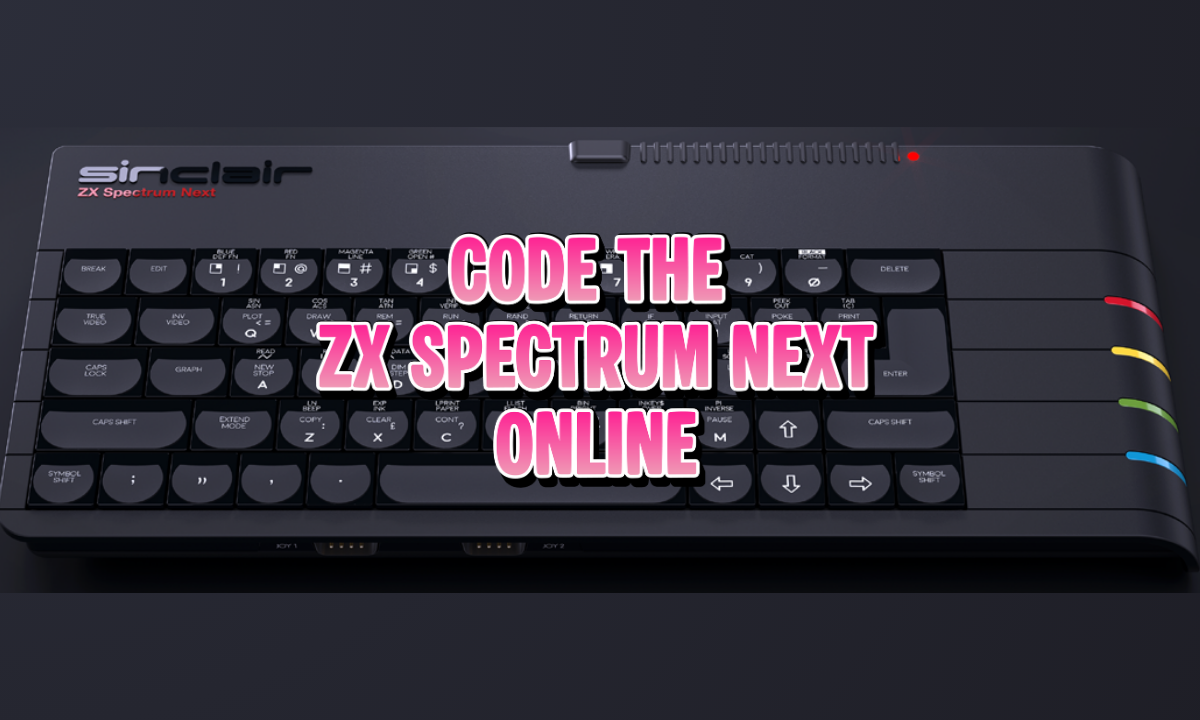
The ZX Spectrum Next is a huge win for the speccy community, and is now about to deliver their third Kickstarter to backers. I’ve already said how much I love the ZX Next, so of course I want to develop games and other software for it.
Here is where I hit a barrier. The main emulator that people point to is built for Windows and uses .NET which doesn’t really play nicely with Macs without messing about with Mono, and the developer (understandably) isn’t interested in changing that any time soon.
That’s why I was pumped to hear about ZXGo. It’s a faithful ZX Next emulator written in Go, which is a truly multiplatform programming language and toolset.
Where I got super pumped is I realised that multiplatform promise includes the web!

Code the ZX Spectrum Next Right in Your Web Browser
Next BASIC, Boriel BASIC, Z80 Assembly, and C are all working now for the ZX Next in my browser-based retro programming IDE – try it now!
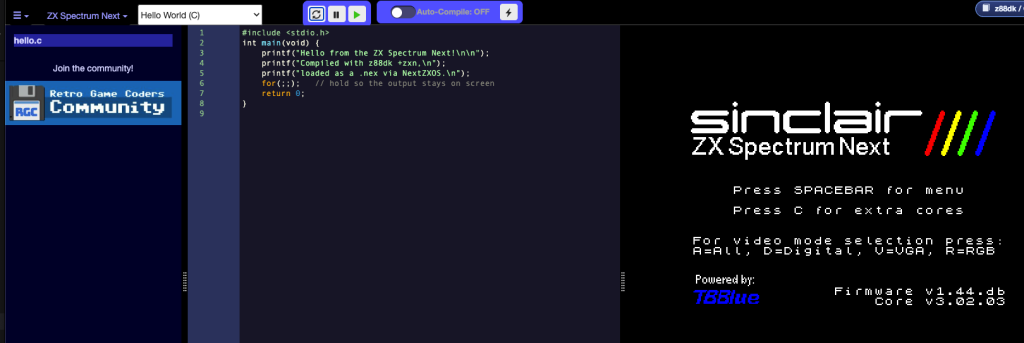
For future enhancements I have a bunch of ideas but the main one I would like to do next (heh) is to give it a similar feature to my C64U integration where you can squirt your compiled program over to the real machine to execute it there.
If you want your own copy of the web-based version of ZXGo, you can grab the files and instructions here. Keep in mind it is a patch over the original code, not something you can download and launch right away.
So, that’s the announcement done, but I thought I would share some of the investigative geek work that it took to get it running …

You can now follow the tutorials and edit the code right in your web browser with the Online Retro IDE
– No downloads, configuration, etc necessary, and it is free!
ZX Spectrum Next Meets WASM
Golang is capable of compiling to web assembly (WASM) which is executable in a web browser as the name suggests. My online IDE depends on this to be able to run faithful emulators at close to native speed, and the ZX Next is far more capable than the usual 1-8mhz retro machines that are already in there.
That said, I wasn’t particularly chasing performance with this project, mainly I was aiming for the convenience of having an all-in-one web based IDE that could target the ZX Next as a target platform!
But it’s built for desktop – will it even work?
First look had me feeling less confidence, as I realised the emulator depends on desktop “stuff”, the same reason why C# based emulators struggle. What I discovered, though, is with some surgical changes, it should be possible to run this code in a web browser:
- The emulator core is pure Go –
pkg/z80,pkg/memory,pkg/ula,pkg/next,pkg/ay,pkg/snapshot, etc. make no OS assumptions, so they compile toGOOS=js GOARCH=wasmuntouched. - The desktop dependencies won’t block a compile – I was worried about the project using Fyne desktop, but desktop Fyne leans on cgo + glfw, and
GOOS=jsauto-disables cgo, so that whole layer drops out of the wasm build instead of erroring. That had me hoping I might get the graphics window and audio handed to me for free by Fyne’s wasm side andoto/v2. Spoiler: I ended up not using either (more on that below), and wired the canvas and sound up myself on the page. The win here was just that nothing in the dependency tree was a hard blocker. - Classic ROMs are embedded –
pkg/roms/embed.godoes//go:embed data/*.ROMManager.LoadROMtriesos.ReadFilethen falls back to the embedded file systems. No need for additional files/file system plumbing
First compile
With all that figured out, I crossed my fingers and compiled:
GOOS=js GOARCH=wasm go build -o main.wasm ./cmd/zx_go
Ahhh poop.
imports modernc.org/sqlite
modernc.org/sqlite has no js/wasm support and it blocks every other potential error until removed.
But! where it’s actually used doesn’t matter to me, it’s the debugger’s queryable execution-trace database and not needed to run the emulator. Yeet.
After ripping that out, it compiled. Of course that doesn’t mean it is a usable emulator yet, but it’s a great first step.
Getting it working in the browser
Rather than plug code into ZXGo, I decided to match what some of the emulators already do with the IDE where we have an iframe with its own JS that runs the canvas, animation loop, keyboard, and audio. This has the nice side-effect of bypassing Fyne stuff and gives the IDE control over the emulator rather than chasing down emulator quirks.
Getting key presses to work took some fixes, each teaching me something about the keyboard model:
keyboard.Tick()every frame (AKA call the the key-held timer otherwise no detected keypress).TypeRunesets apulseMatrixheld forrunePulseFramesand needsTick()to count it down and release. Without it a key sticks down and browser key-repeat loops. Addedm.kbd.Tick()inframe().TypeRuneis symbol-shift only. It forces SYMBOL SHIFT(pulseMatrix[7] &= ^0x02) it’s for punctuation, not ordinary letters/digits. Routing every key through it borked and digits never showed. The right entry for ordinary keys isHandleKeyWithModifiers(fyne.KeyName, down, shift, …), which looks up the real host-key matrix map and gives a proper press/release on down/up (no Tick needed). Added azxKeyName(name, down, shift)function and a browser-key to Fyne-name map.
A quick word on the weird ‘Rune‘ function name. No, it’s nothing to do with Norse mythology! In Go, a “rune” is just the language’s word for a single character (the letter “A”, a digit, a punctuation mark). So TypeRune is a little helper that means “pretend the user typed this one character“. Instead of me sending a real key event, it goes straight into the emulator’s fake keyboard and flips the right switches so the Spectrum believes that character was pressed. Handy, but as I found out, it was built with punctuation in mind, which is why plain letters and numbers needed a different approach.
Much hair-pulling later …
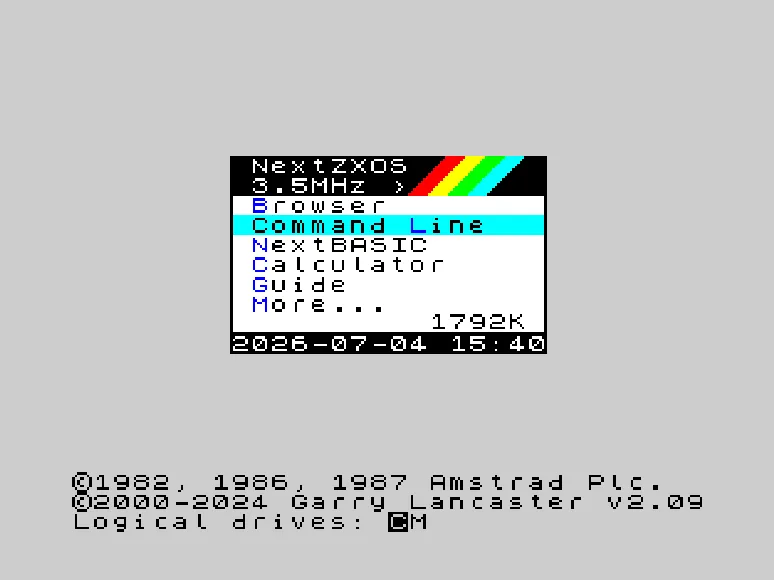
Of course my IDE needed a lot more than this, but for your purposes you can just go to my repo linked above and get it working for your own needs now.
 Emulate Z80 CP/M 2.2 in Your Browser AND Compile C Code!