
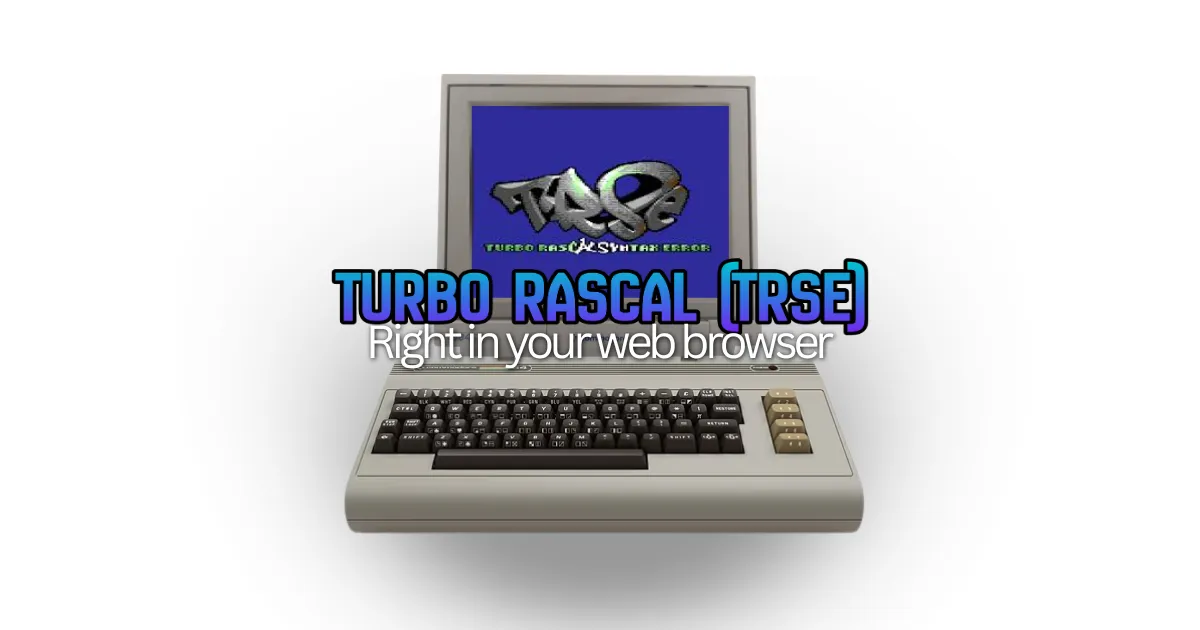
Turbo Rascal Syntax Error is genuinely one of the most impressive tools in the retro development world.
And if you’ve heard of TRSE before and given up before you really got started with it, well you’re not alone.
Created by Nicolaas Groeneboom, it’s a complete suite. IDE, compiler, programming language, sprite editor, music tracker, and more. It’s capable of targeting over 20 classic platforms, from the Commodore 64 and NES all the way to the Amiga 500, ZX Spectrum, BBC Micro, Atari systems, MSX, Apple II, and beyond.
The problem is getting it running was a daunting project in itself.
Before you could write a single line of Rascal code, you had to download the TRSE application, maybe set up the Qt libraries, install each emulator for your target platforms (VICE for C64, Mednafen for NES, fs-UAE for Amiga…), configure everything to talk to each other correctly, and hope it all played nicely on your OS.
For hobbyists and newcomers, that prospect was enough to give up before they’d even seen “Hello, World” on a virtual CRT. For experienced developers, it was friction that got in the way of the actual fun part – making games.
That friction is now gone!
TRSE in Right in Your Browser
TRSE is now a first-class citizen in the Retro Game Coders Online IDE. You open your browser, pick your target platform, and start running and writing Turbo Rascal code. The IDE compiles it, runs it in an included emulator, and you see your game or demo come to life, right there on screen. No installs. No configuration. No emulator debugging.
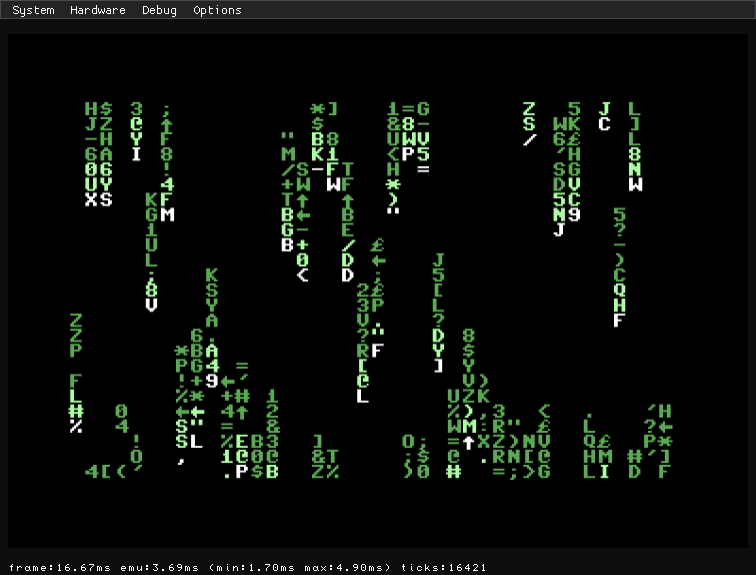
Turbo Racal joins C, BASIC, and Assembler as fully supported languages in the IDE, meaning the Retro Game Coders platform offers all the main options and features to get a new cohort of game developers actually started coding and having fun.
And yes, this is the real TRSE. The Pascal-inspired Rascal language, the multi-platform compiler, all of it. Not a toy subset, not a syntax highlighter slapped onto a generic editor.
Why TRSE Is Worth Trying
For those who haven’t encountered it before, a quick primer on why this is such a big deal.
TRSE uses a language called Rascal, which is Pascal-inspired and sits at a sweet spot between high-level readability and low-level control. It’s close enough to modern programming concepts that someone coming from Python, JavaScript, or modern C can get productive relatively quickly, but it compiles down to tight, efficient machine code for each target platform. That means you get the expressiveness of a structured language and the performance that 8-bit and 16-bit hardware demands.

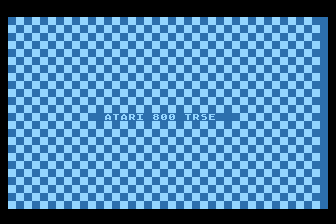
The breadth of supported hardware is also remarkable. In the RGC IDE, the currently supported TRSE platforms include the Commodore 64, VIC-20, Commodore PET, BBC Micro, ZX Spectrum, Amstrad CPC6128, MSX, Atari 8-bit, Apple II, Vectrex, and IBM PC/x86.
Most retro dev tool chains specialise in one machine or one CPU family. TRSE’s vast cross-platform scope is unique, and we’re working to expand coverage further in the IDE as development continues.
TRSE on Desktop
If you want to go further, beyond the coding with the language itself, the original downloadable TRSE IDE is still worth checking out as it ships with:
- A sprite and image editor built right into the toolchain — design your assets and use them in code without leaving the environment
- A music tracker with support for VIC-20, Adlib, and PC speaker sound chips
- A real-time ray tracer (yes, seriously) for demo and visual production
- Extensive sample projects and tutorials covering everything from basic syntax to hardware-level programming tricks
What This Means for the RGC Community
We’ve already published a series of TRSE tutorials here on the blog and as examples in the IDE, covering everything from your first Rascal program through to assembly integration and hardware interfacing. Those posts were written with the desktop version in mind, which meant anyone following along had to wrestle with setup first.
Now, every single one of those tutorials can be followed directly in the browser IDE. Open the IDE, paste in the code from the tutorial, hit run. That’s it.
It also means we can do so much more going forward. In-browser challenges. Shareable project links so you can show off your TRSE creations. Community showcases of what people have built. The kind of hands-on, low-friction learning environment that makes retro programming genuinely approachable rather than intimidatingly niche-nerdy.
There’s also full documentation available over at docs.retrogamecoders.com that I am working hard to expand and polish, covering the Turbo Rascal language syntax, built-in method reference, and the included unit libraries for each platform. It’s a your companion to keep open while you’re coding in the IDE.
Get Started with TRSE Programming Right Now
The best way to understand what TRSE can do is to just try it.
Head over to ide.retrogamecoders.com, select a TRSE-supported platform, and load up one of the built-in example projects. In a few seconds you’ll have a working retro program running in your browser, written in a language that compiles to real machine code for real vintage hardware.
Then come back here, work through the TRSE tutorial series, and start building something of your own.
I am hoping your barrier to entry just got a whole lot lower. There’s never been a better time to give Turbo Rascal a go.
 RGC-BASIC Update: Easy, Modern BASIC in Your Browser Has Sprites Now