

CP/M was one of the first operating systems to split out and abstract addressing the physical hardware from the input and output software.
Unlike PC or MS-DOS which was dedicated to the Intel 8086 line, CP/M worked for many different types and makes of computers, even those with various architectures and capabilities.
Amazingly, CP/M could run in as little as 16 KB.
That meant even after the Altair and IMSAI computers were no longer commercially available, CP/M allowed users to run all kinds of games and productivity software.
To show how popular CP/M was in its heyday, it was available for
- the Apple II (with a Z-80 SoftCard)
- Altair 8800
- IMSAI 8080
- the Osborne 1
- Kaypro
- MSX
- Amstrad PCW
- BBC Micro (with a Z80 co-processor)
- Amstrad CPC
- Commodore 128
- TRS-80
- ZX Spectrum
While CP/M faded in the mid-80s and eventually got replaced by the company’s own DR-DOS, before the company got bought by Novell, it left an indelible mark on the computer world that still resonates.

My Online CP/M Emulator!
Check out my Online CP/M emulator in your web browser!
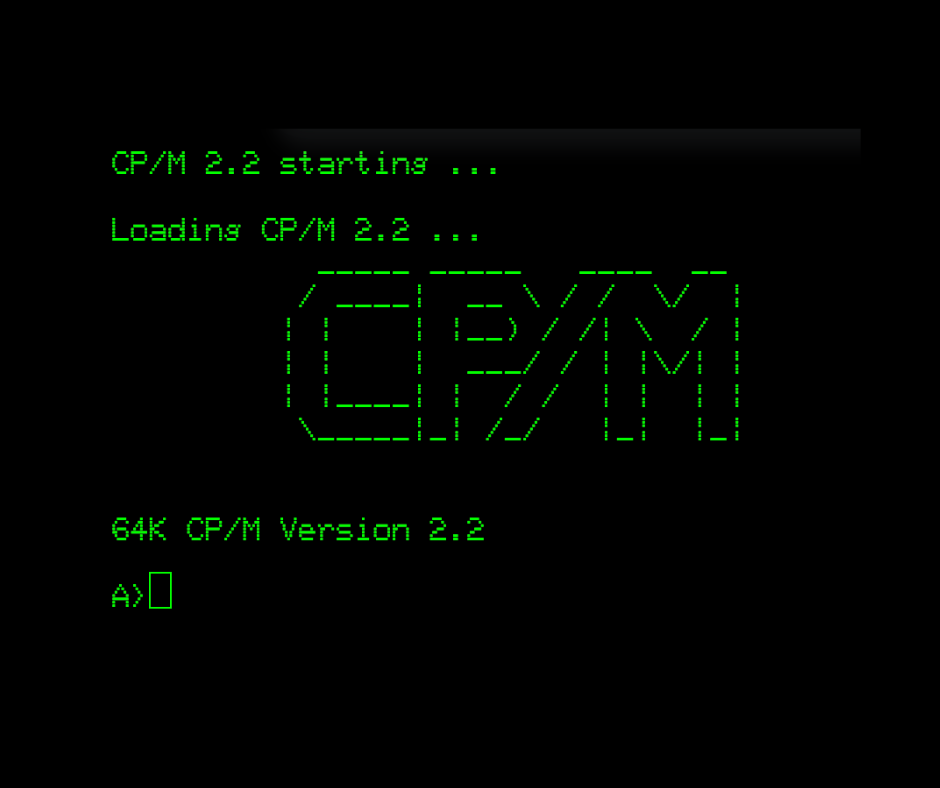
It’s still a work in progress so keep checking back and sign up to my email newsletter where I will keep you posted about updates and upgrades.
Using CP/M
CP/M is easy and familiar once you learn the basics. Part of the familiarity is because of how much was copied by DOS, but also there are obvious UNIX inspirations in parts of CP/M too.
Drive A is the default disk drive, and you can switch to Drive B or C by typing their letter followed by a colon (e.g., B:).
Files in CPM have eight-character names with three-character extensions, which is also the convention that MS-DOS adopted. Files with a .com extension are considered executable files.
Unlike UNIX, commands and file names are not case-sensitive.
- Directory Listing: Use the
DIRcommand to list files in the current drive. To view files on another drive, specify the driveletter (e.g.,DIR B:). - File Viewing: To view a text file, use the
TYPEcommand followed by the file name (e.g.,TYPE readme.txt). - Renaming Files: Use the
RENAMEcommand to rename files. For instance,RENAME newname.txt = oldname.txt. - Deleting Files: Use the
ERASEcommand to delete files (e.g.,ERASE filename.txt).
Advanced File Management
- Using PIP for Copying: The PIP program is used to copy files. To copy a file, use a command like
PIP newfile.txt = original.txt. This can also copy files between drives. - Wildcard Usage: Wildcards can be used in commands to manage multiple files, such as viewing all files starting with a particular letter.
- Using LS for Better Directory Views: The LS command is an extension that you can download that offers a sorted, columnar view of files, showing sizes and available space, making it easier to manage files than the standard DIR command.
Programming CP/M
Originally, much of the software available for CP/M was programmed in assembler, but of course being so popular, all of the big languages of the day made it to the operating system.
One challenge, however, was the lack of video standards. In the late 1970s and early 1980s, there were so many different microcomputer brands and so much third-party hardware, it was not a case of being able to pick a graphics API and code for it.
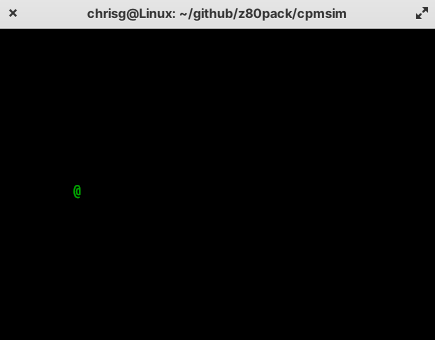
This is why most of the games for CP/M were either very niche, for example targeting a specific piece of hardware, or were text-based, such as Zork.
That said, you could still create ‘arcade’ style movement by using terminal escape codes, as in the demo below which allows you to move a character around the screen using W, A, S, and D keys:
#include <stdio.h>
#include <conio.h>

char x=10;
char y=10;
char c=32;
char oldx;
char oldy;

void gotoxy(char x,char y) {
     printf("\33[%d;%dH", (y), (x));
}

void main() {
     printf("\33[2J");
     printf("\33[?25l");

     while(c!=27) {
        oldx=x;
        oldy=y;
        switch (c)
        {
            case 'w':
                y--;
                break;
            case 'a':
                x--;
                break;
            case 's':
                y++;
                break;
            case 'd':
                x++;
                break;
            default:
                break;
        }
          if(x<1 || x>40) x=oldx;
          if(y<1 || y>20) y=oldy;
          gotoxy(oldx,oldy);
          putch(' ');
          gotoxy(x,y);
          putch('@');
          c=getch();
     }
     printf("\33[?25h");
}
 My IMSAI 8080