
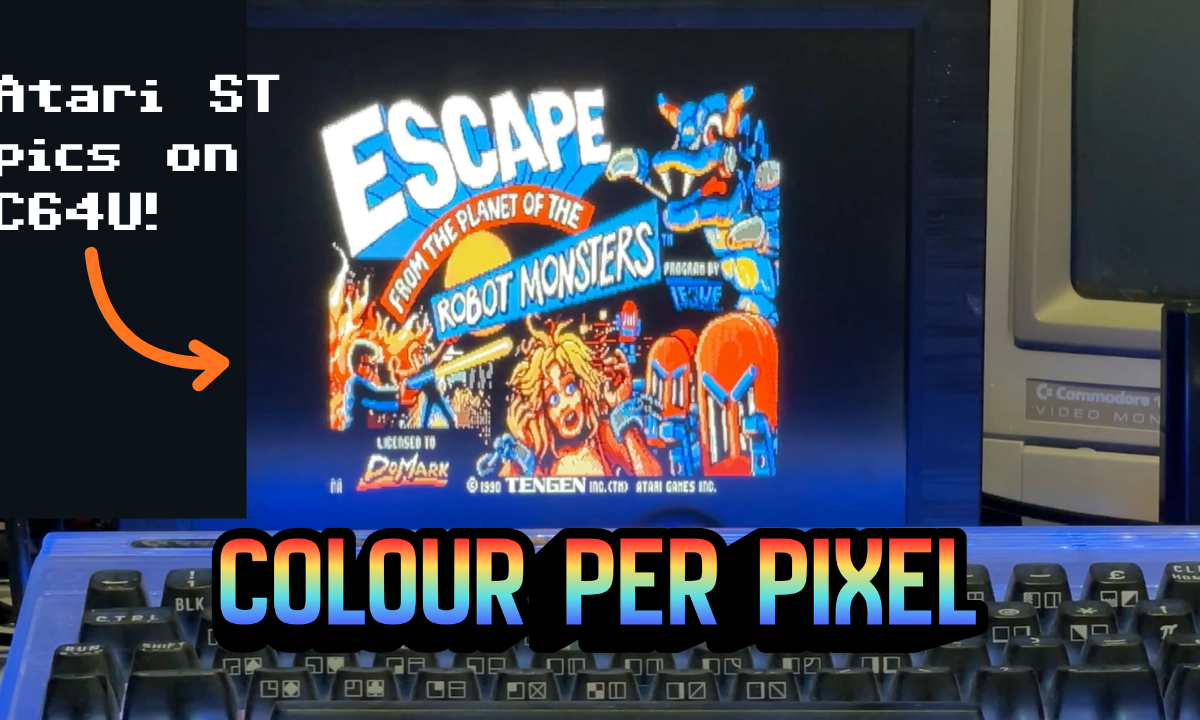
In my C64 Ultimate review my big gripe was that ZX Spectrum Next games get to use all of the Next’s enhanced abilities, while the C64U has no comparable graphics modes for developers to use.
Unlike the Next, and ironically the official C64 successor, the C65, the C64U can’t do 256 colours. However, it turns out that it is possible using coding tricks to give every hires pixel any of the 16 palette colours.
Not only that, with the forthcoming Ultimate firmware, we will be able to do even more!
This week I went down a rabbit hole, got a full 320×200 high resolution 16-colour picture with none of the usual vic chip limitations running on my real C64U, then emerged with a video showing a slideshow of Atari ST pictures in their own original ST palettes.

What is this witchcraft?
Credit where it is due. None of these tricks are my invention. Martin Piper worked out the “Mega Multicolour Mode” and Brandon Staggs built it into his Mosaicus paint program. My efforts were around re-implementing it to work in my slideshow code, plus getting the full hires version with text on top to line up correctly.
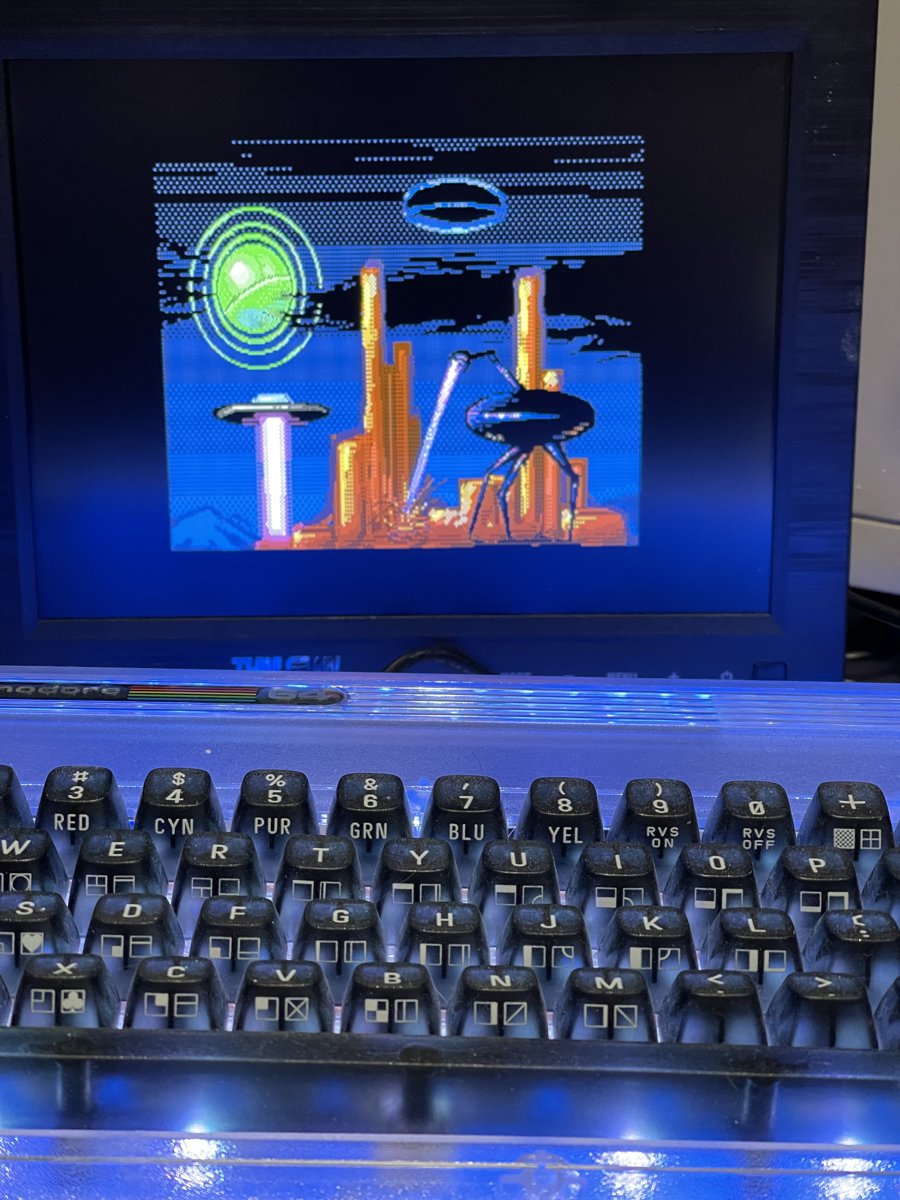
On a stock C64 the VIC-II constrains colours to the limitations of a display made up of 8×8 character cells. Hires bitmap mode allows just 2 colours per cell, and multicolour offers 4 per cell but at the cost of half the horizontal resolution, and only one of the colours can be individually selected from the palette as the others are shared.
What makes an enhanced display possible on the C64U is its ability to run at much higher clock speeds.
The C64U provides a Turbo register located at $D031. Writing $8F to this register sets the computer to a blistering 64 MHz. Turbo Control must be turned on in the settings, of course.
    lda #$8f
    sta $d031       ; 64 MHz, badline timing off
    ...
    lda #$00
    sta $d031       ; back to 1 MHz before handing back to BASIC

You can now follow the tutorials and edit the code right in your web browser with the Online Retro IDE
– No downloads, configuration, etc necessary, and it is free!
Racing the Beam
Using this higher clock speed we can write to a colour register at the exact moment the computer is about to change the next pixel, aka “racing the beam”. The two techniques differ on if we set the background colour ($D021) or border colour ($D020).
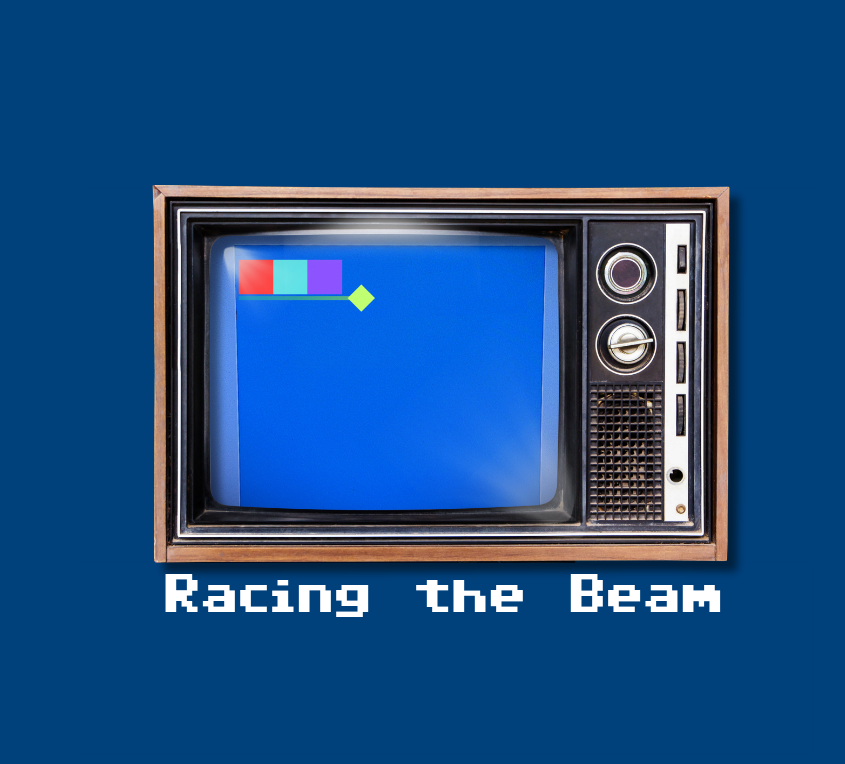
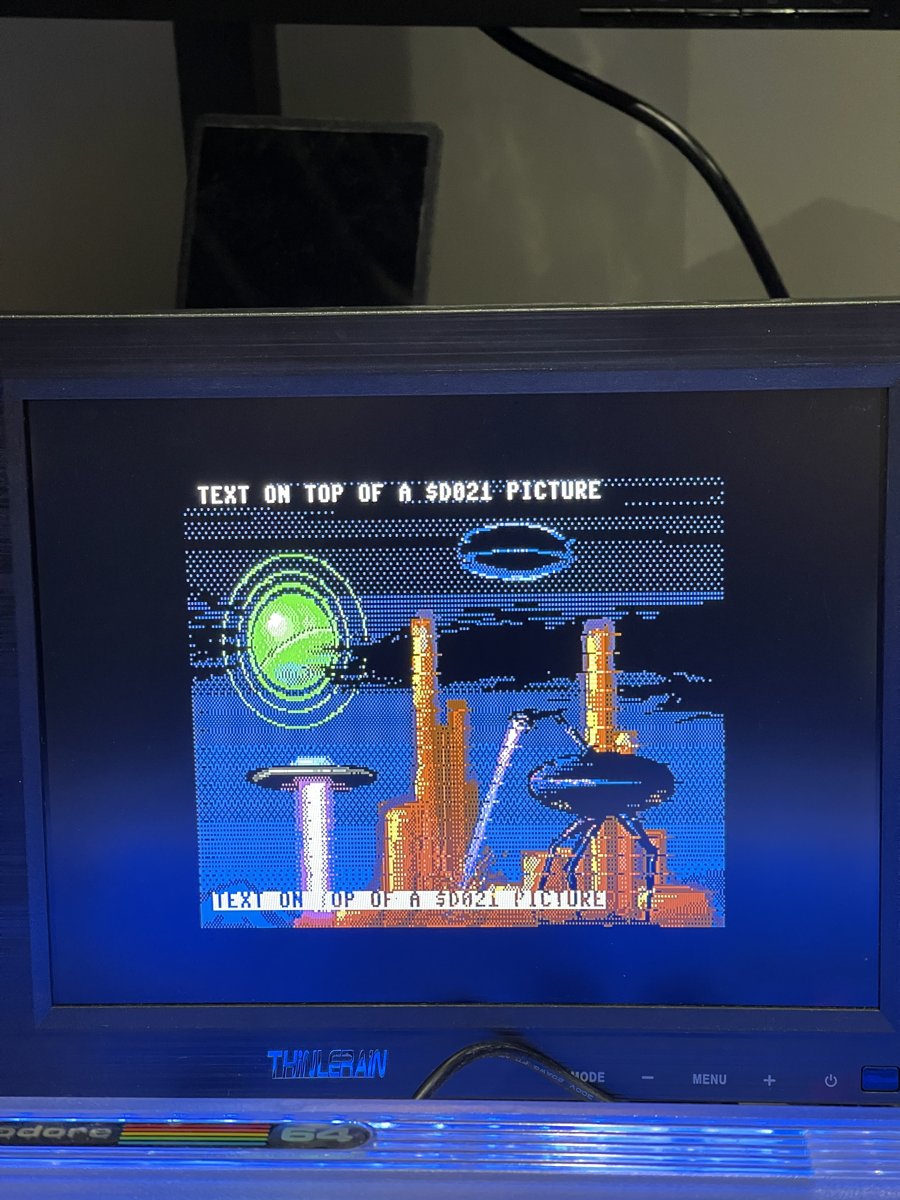
In the former, Martin’s technique, we can overlay text on top of the bitmap, but the latter is more simple to implement (eg. doesn’t have to deal with “badlines” where the CPU pauses to read data) and can “overscan” making the screen somewhat bigger.
A full screen 320×200 picture needs 32000 bytes. Brandon’s version (384×272) is around 51K. That’s why we need to use the REU for anything more than displaying a single picture, for example in a game for swapping screens in for title, instructions and game over.
The pixel pair loop
The VIC ignores the top 4 bits of $D020 and $D021, so one byte can contain the data for two pixels.
A 256-byte table (mx_hi) stores each byte shifted down by 4 bits, so the right-hand pixel is one indexed load away.
    ldx picture,y       ; 4  two pixels in one byte
    stx $d021           ; 4  left pixel (top nybble ignored)
    lda mx_hi,x         ; 4  same byte >> 4
    sta $d021           ; 4  right pixel
That needs 16 cycles, so every fourth pair loads from zero page instead, saving one cycle (ldx $b0 takes 3 cycles instead of 4), so each character comes out at exactly 63 cycles.
The bytes for the next zero page pairs are copied in before each line starts, 40 per line.
Even with the code unrolled and running at 64 MHz, the CPU is busy the whole time that the picture is being drawn and only frees up in the borders.
Badlines Bug
With the screen on, every 8th line is a “badline” where the VIC fetches the next row of characters and stalls the CPU. Even with “badline timing” off at 64 MHz in turbo, it steals 40 cycles.
The outcome was my picture sheared to the right, about 5 pixels each badline.
Shortening the delay before each badline instead moved the error to the left-hand end.
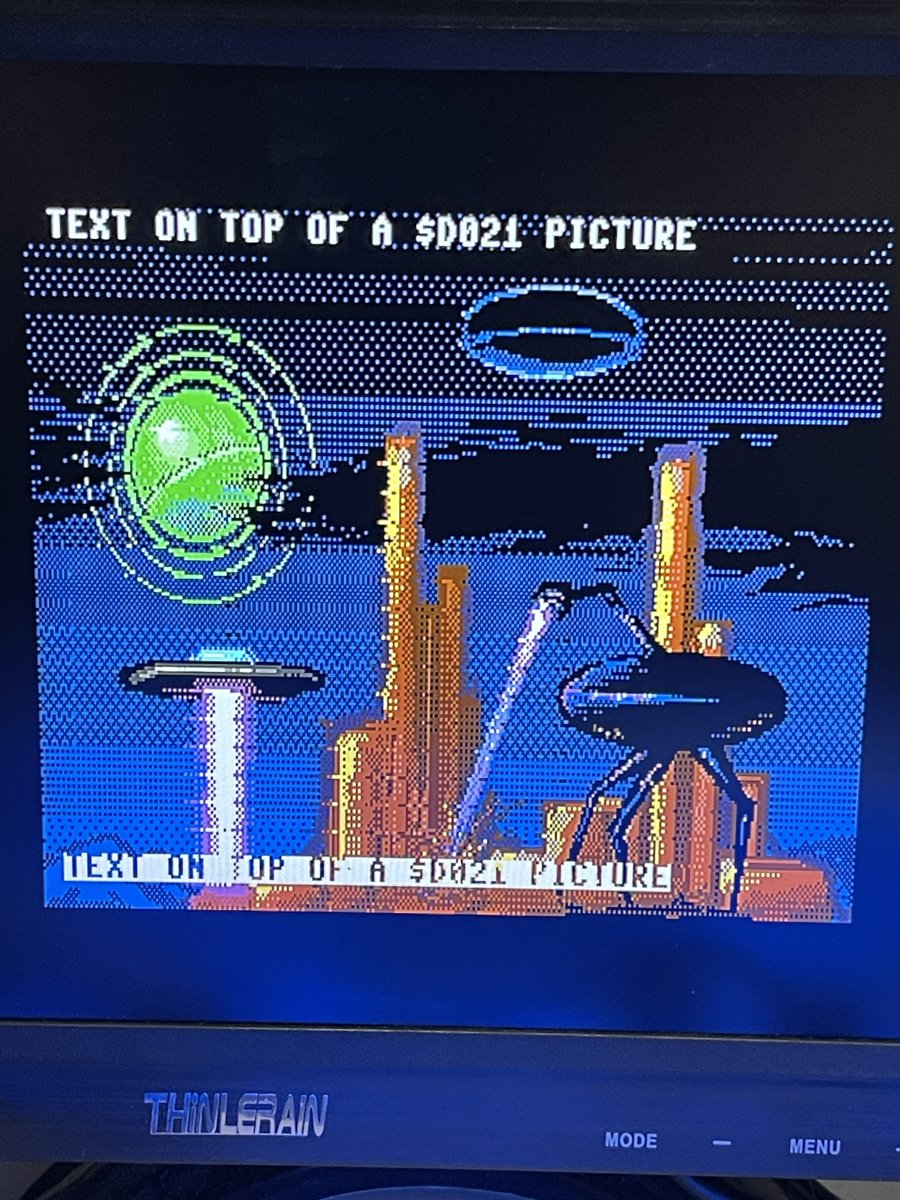
The fix was to treat badline rows differently, grabbing their data from zero page which saves a cycle:
    ldx picture,y       ; 4  pair 0
    stx $d021
    lda mx_hi,x
    sta $d021
    ldx $b0             ; 3  pair 1, from zero page
    stx $d021
    lda mx_hi,x
    sta $d021
    ldx picture+256,y   ; 4  pair 2
    stx $d021
    lda mx_hi,x
    sta $d021
    ldx $b1             ; 3  pair 3, from zero page
    stx $d021
    lda mx_hi,x
    sta $d021           ; 62 cycles, +1 stolen = 63
This was inspired by Martin Piper’s RenderMegaLineBad which does the same thing for his 160-wide version.
Rendering text over the picture
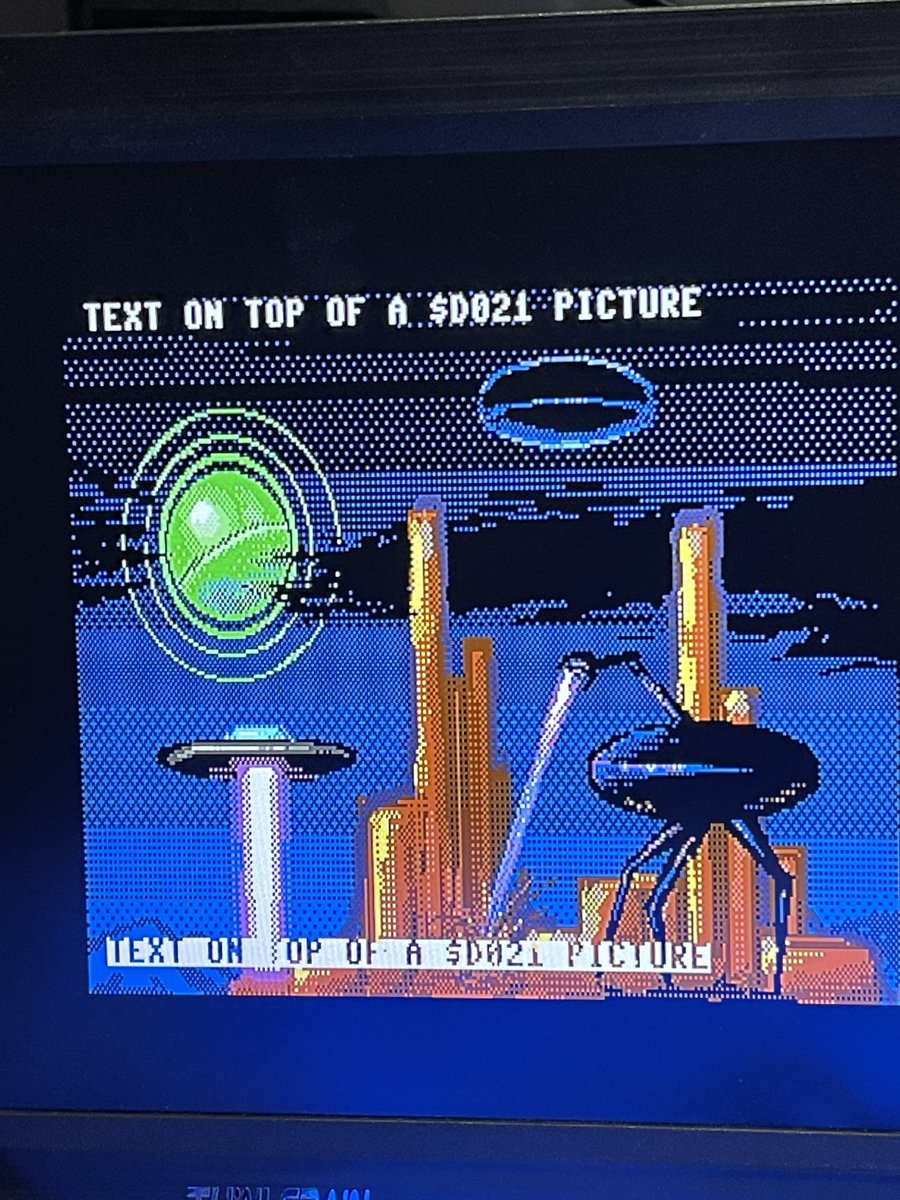
For my games I use text for things like help text, high scores, heads up display, etc, so I lean toward Martin’s technique. Normal characters draw the usual way, in their colour RAM specified colour over the top of the bitmap. Reverse characters are the fun one, the letter shapes become holes and the picture shows through them. This could be a nice effect for a demo.
Changing the C64 Ultimate palette
So far we have only addressed avoiding the character block colour constraints, how did I switch the C64U to use the original Atari ST colour palettes in the slideshow?
It turns out, the C64U has the ability to select a user-defined palette. I imagine this was originally required due to PAL/NTSC etc and VIC II version differences.
In Ultimate 64 firmware 3.15, Gideon added UCI commands to set the palette from code (target $04, command $52, then 48 bytes of RGB).
Unfortunately, the latest (official) C64U firmware 1.1.0 answers with 21,UNKNOWN COMMAND, so the code-side palette commands haven’t reached the C64U … yet.
What does work today is the Palette Definition setting. It accepts a VICE palette file and applies it, no reset needed.
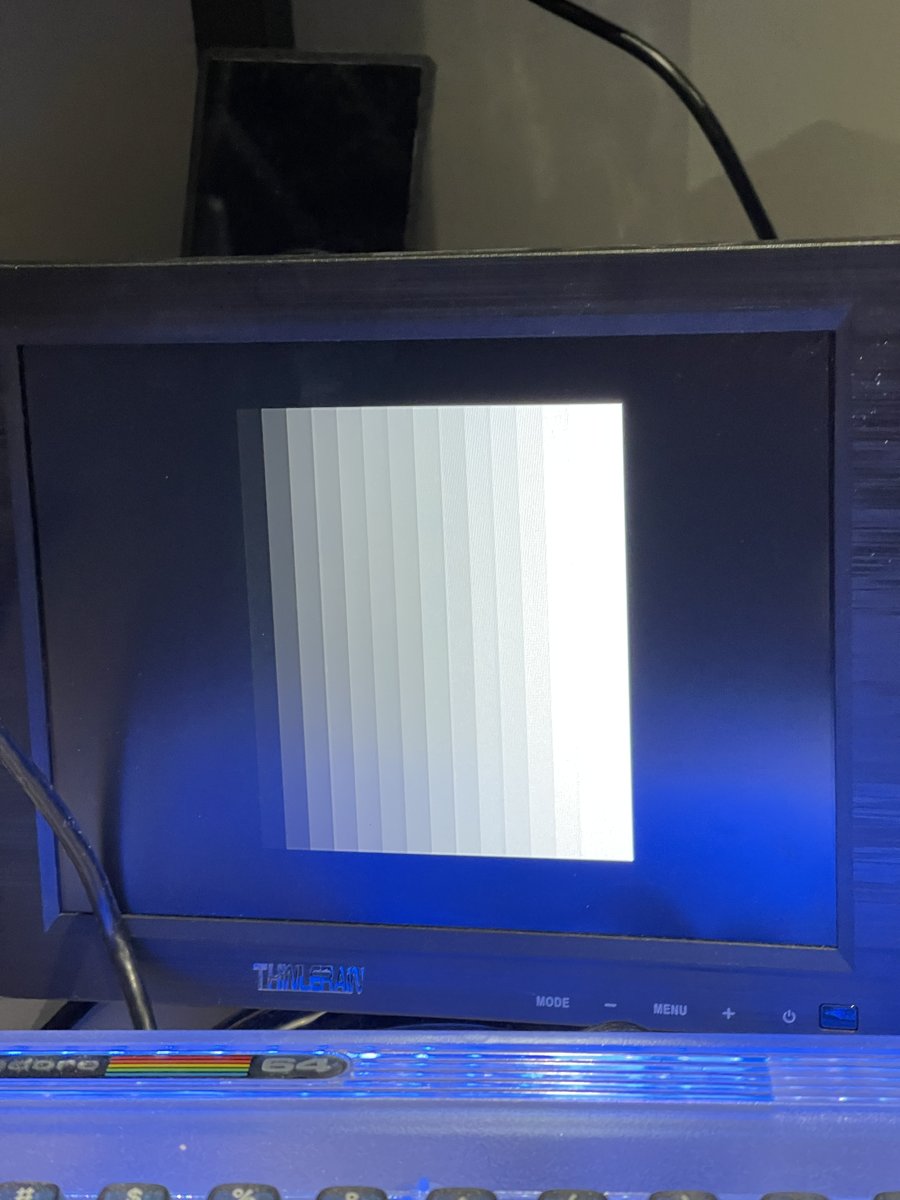
A .vpl file is plain text, one colour per line, red green blue in hex then a dither value:
# grey ramp
00 00 00 0
11 11 11 0
22 22 22 0
...
FF FF FF 0
For my slideshow I send the palette for each picture and set it through the REST API:
curl -X PUT -H "X-Password: $C64U_PASSWORD" \
  "http://192.168.0.64/v1/configs/U64%20Specific%20Settings/Palette%20Definition?value=/Temp/grey.vpl"
Therefore at least for now my full PRG release needs to wait for the updated firmware with the 3.15 commands.
Commodore 64 Ultimate > Atari ST
I love the Atari ST. It was “our” (my brother’s) third computer, and my first with a disk drive. We got it because that is what people locally owned, due to it being a lot less expensive than the Amiga. Being less expensive meant features were sacrificed, and that was a lot of fancy stuff like the Amiga’s blitter chip and better graphics.
Atari ST games usually ran at 320×200 resolution, displaying 16 colours from a palette of 512 (bumped up to 4096 on the STE). You can see why my next thought was back to my ST days, with the new technique and colour palette control, ST pictures translate to the C64U pixel for pixel.
| Format | Header | Palette | Pixels |
|---|---|---|---|
| Degas .PI1 | 2 bytes resolution | 16 words at offset 2 | 32000 bytes at offset 34 |
| NEOchrome .NEO | 128 bytes | 16 words at offset 4 | 32000 bytes at offset 128 |
ST colours are 3 bits per channel, $0RGB in a 16-bit word. The pixels are 4 interleaved bitplanes: each group of 16 pixels is 4 words, one per plane, and a pixel’s colour is one bit from each.
for y in range(200):
    for group in range(20):
        at = y * 160 + group * 8
        planes = [word(pix, at + 2 * p) for p in range(4)]
        for bit in range(15, -1, -1):
            colour = sum(((planes[p] >> bit) & 1) << p for p in range(4))
In many ways the C64U is better specced as a games machine than the Atari ST, at least comparing it to the popular 520STFM model that we had rather than, say, the Falcon:
- Using turbo mode it is ~8x faster, though we lose some of the benefit by still being 8-bit versus the ST 16-bit 68000
- Much as I loved the YM2149 music on the ST, the SID is considered overall a better sound chip, and the C64U can run multiple simultaneously. The C64U can also play mod-style music.
- While the C64U can only address 64KB at a time, having up to 16MB of REU data storage beats loading from disk.
- It amazes me that the C64 had hardware sprites but the ST had none. The C64U has access to 16.7 million colours to choose from, versus the original ST limit of 512.
- Finally, the C64U has built-in networking allowing it to connect to the internet over WiFi.
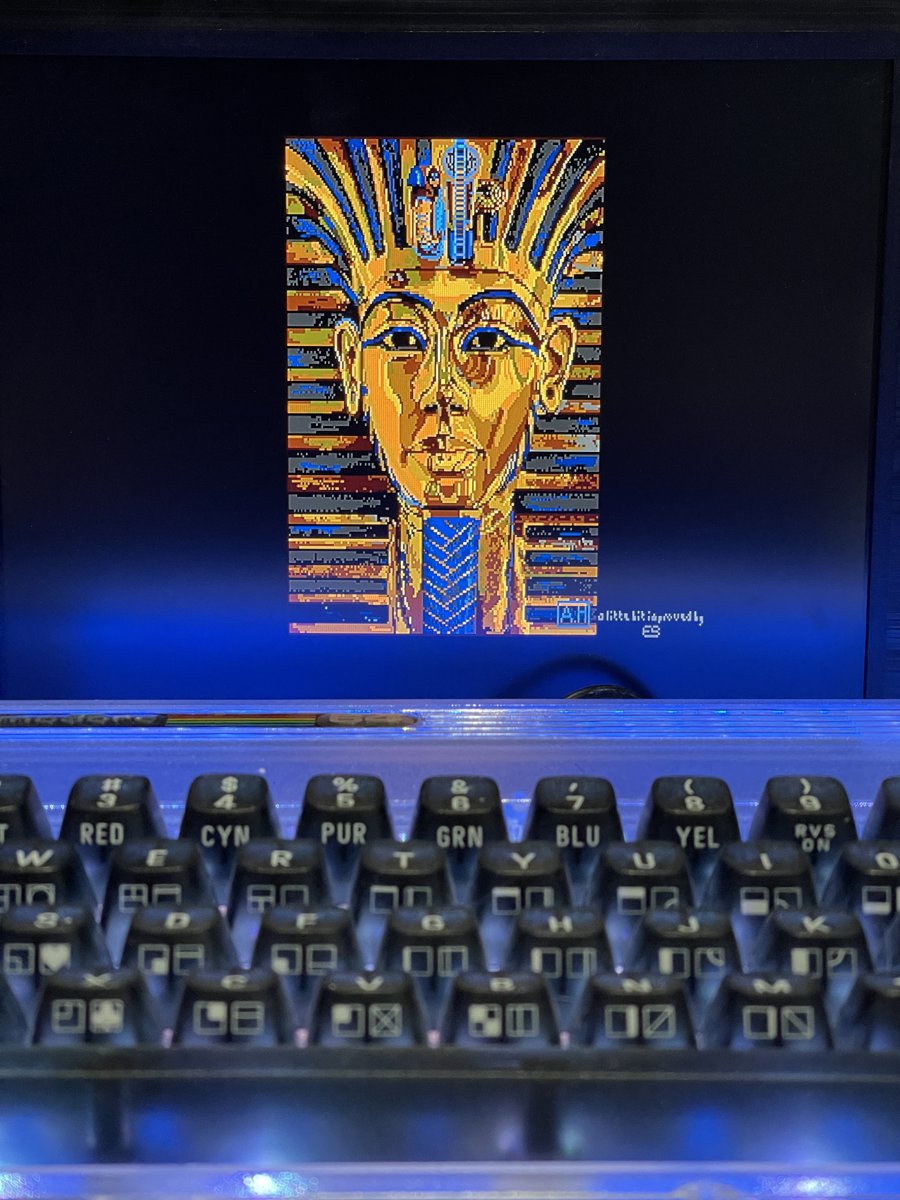
My first test was a made-up sunset in ST colours, none of which are in the C64 palette.
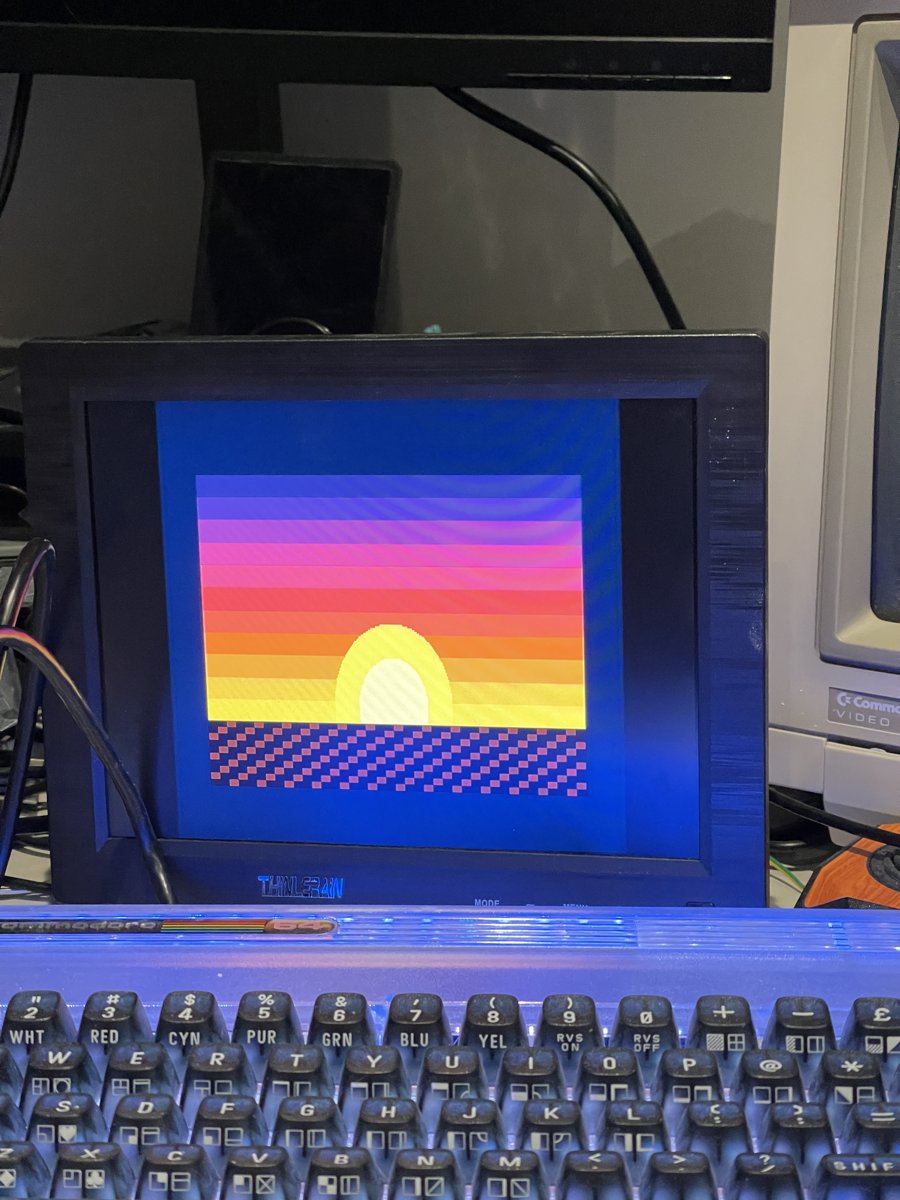
Then a classic, the Tutankhamun picture from the TEX slideshow, “a little bit improved by ES”, straight from the original NEOchrome file and famously the “face” of DPaint!
What next?
What I would really like is for Commodore to implement a real enhanced mode on the C64U core as the Next team have done. There shouldn’t be need for these kinds of tricks, in fact you should be able to have 256 colour sprites from within BASIC.
That said, this is better than the stock C64, so our C64 games can be enhanced for, or developed specifically for the Commodore 64 Ultimate utilizing the remaining cycles of running at 64 MHz, the REU, the stereo SID sound, and more.
I already have a software sprite running under this new technique so I am thinking the obvious move is an enhanced version of my Cross-Platform C Dungeon with better graphics for the platforms that are capable, after all it seems confirmed that I can use the same graphics in the Atari ST and C64U versions at the very least!
Credits
Martin Piper for Mega Multicolour Mode: source and video.
Brandon Staggs for Mosaicus and the viewer code (MIT licence), and for answering my questions on Facebook.
xahmol’s ultimate-uci-oscar64 library, which is where I found the palette command bytes.
The 1541 Ultimate documentation for the UCI control target.
Avril Harrison, who drew the original Tutankhamun for Deluxe Paint on the Amiga, and TEX and ES for the Atari ST version.
 C64 BASIC Dungeon Crawler: Stairs, Levels and Levelling Up (Part 11)