
The Arzopa Z3FC is sold as a 180Hz screen for gaming, but when they say that they mean the Switch, PS5, and Steam Deck. None of the reviews I’ve found plugged anything remotely retro into it.
That’s a shame, because retro kit is where screens tend to fall over, with their low resolutions, odd refresh rates, and video timings that are nearly standard, but not quite.
So that’s what this review is about. I’ve already covered the Z3FC as a portable screen over on MakerHacks, and if you want proper 4:3 for your retro (and cheap!) there’s my Thinlerain CCTV monitor post. Here I only want to know whether the retro I want to plug into a high-definition monitor works.
What tends to happen with me, at least since our living space halved after moving to England, is I get retro computers out and put them away. A screen that you can also tuck away is handy for those situations. Of course, being portable, the travel scenario is important too. It even comes with a nice protective pouch.

What is the Arzopa Z3FC?
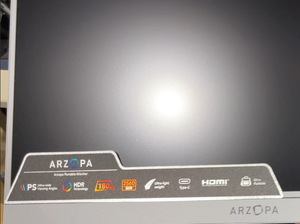
The Arzopa Z3FC is a 16.1in IPS panel running at 2560×1440 and up to 180Hz, with one mini HDMI and two USB-C ports (one for DisplayPort alt mode, one for power). The full spec rundown is in the MakerHacks review linked above, suffice to say it has all the numbers that twitchy PlayStation folks look for. I am not one of them.
For retro, the thing to know is that those fancy numbers are largely irrelevant. Over HDMI from a Raspberry Pi 400 the best it offered was 120Hz at 1920×1080 or 1280×720, with 2560×1440 at 60Hz as its preferred mode. My retro sources never get anywhere near any of that. Handy as a portable work monitor though, and it’s excellent for that.
It also needs its own power alongside HDMI on a lot of stuff I tested, so budget for a USB-C supply.
ZX Spectrum Next
This was one test I cared about especially, because the Next’s HDMI isn’t quite “standard”. Its 50Hz modes run at 720×576, but at about 49.4Hz rather than a true 50 (my capture stick measured 49.36fps). Its 60Hz mode is 720×480 at 58.15Hz.
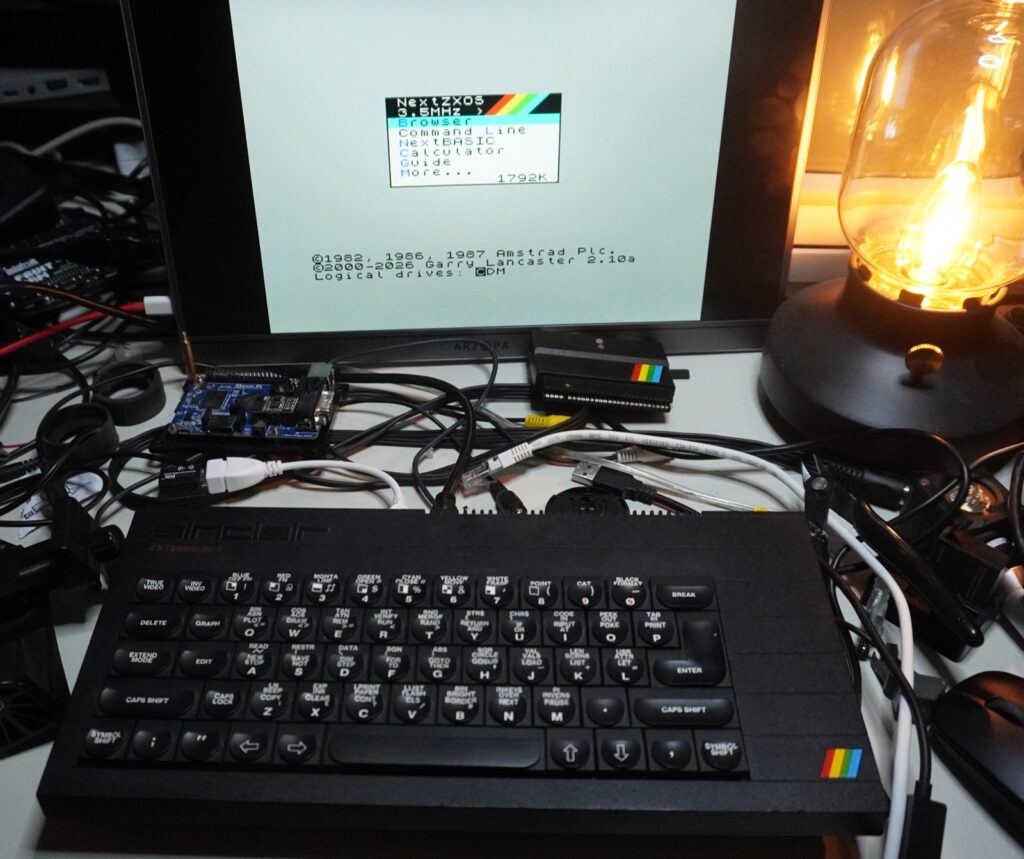
The Arzopa just showed it, zero drama. I ran it at 50Hz, the closest to real PAL timing, and the picture never dropped out.
The HDMI audio clicks now and then, worse at 60Hz, but that’s the Next’s audio stream and not the monitor.
One bit of arithmetic to be aware of: 576 lines into 1440 is 2.5x, so the scaler can’t make every pixel the same height. 480 lines goes into 1440 exactly three times.
Pimiga on a Raspberry Pi 500
Pimiga is a ready-made Amiga emulation setup for the Pi. I ran it on a Pi 500 plugged into the Arzopa and went through changing and selecting resolutions, and the monitor took every one of them without any trouble. The emulated Amiga was where all the issues were, the screen just went along with it.
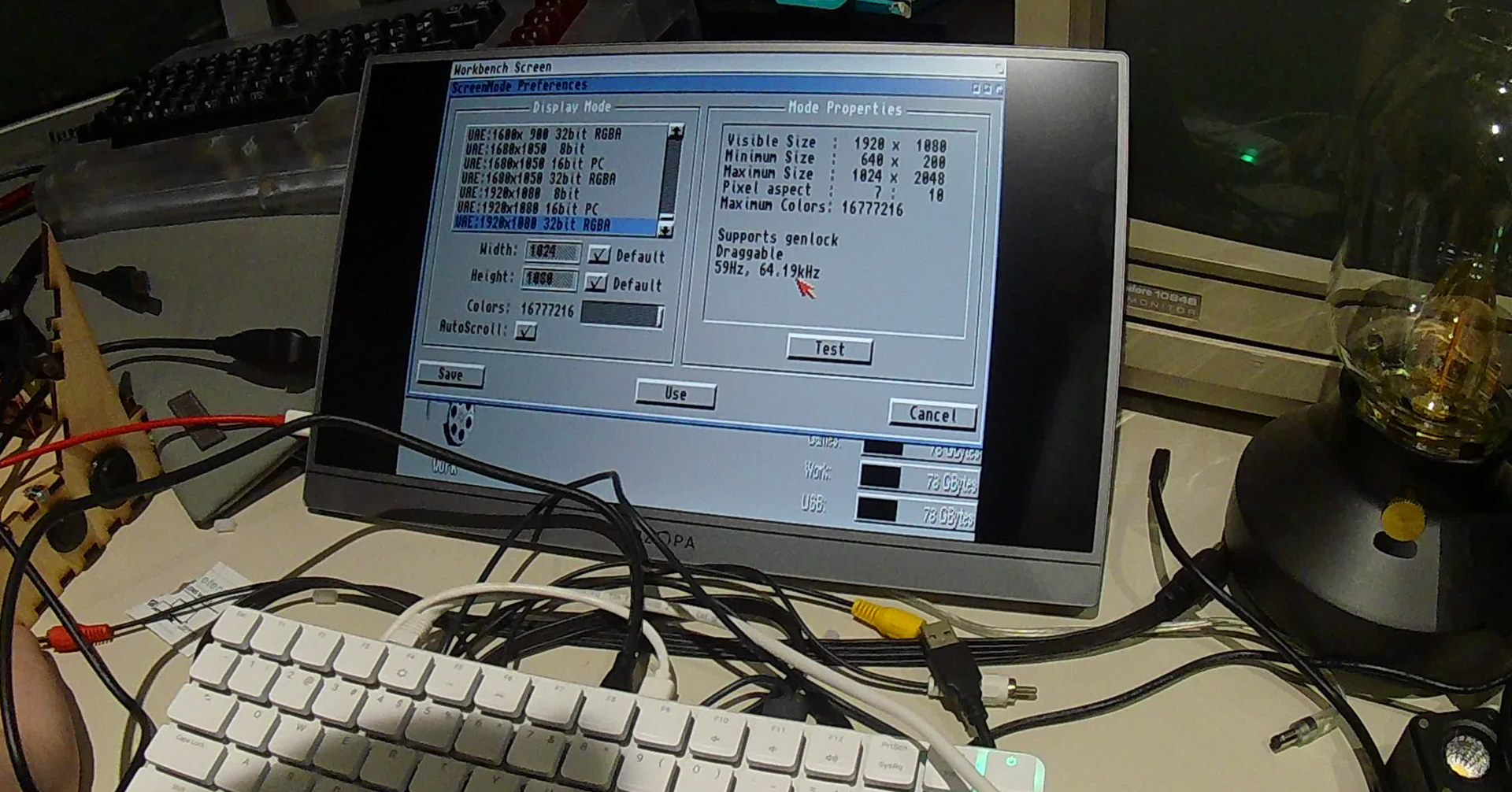
Here it is in Pimiga’s ScreenMode preferences, running the Workbench at 1920×1080 and 59Hz.
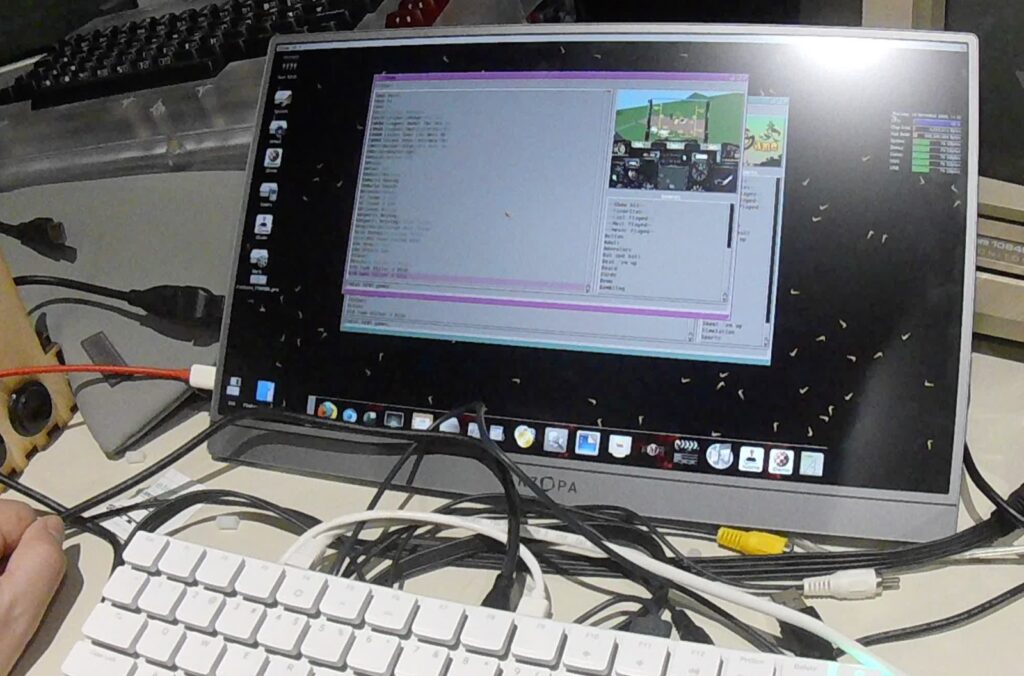
On a desktop Pi 400 it needed no drivers, either. It shows up as “GWD ARZOPA” and the Pi picked its native 2560×1440 at 60Hz by itself.
It’s not a touch screen, which is a shame for Pi projects, but it folds away flat when the Pi isn’t in use which is pretty cool.
Commodore 64 Ultimate
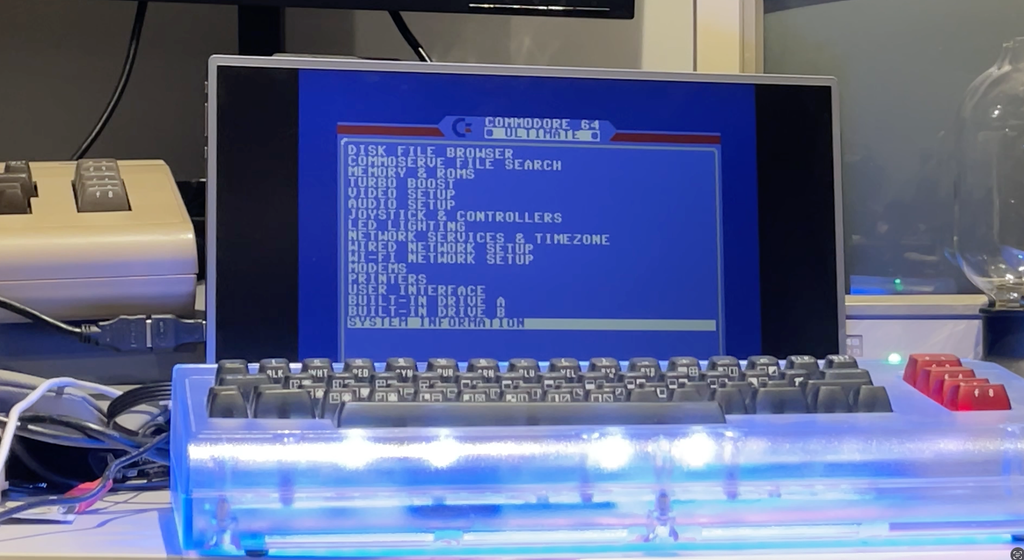
Like the ZX Next, the C64U worked first time in every output combination I tried: 4:3 and 16:9, at both 50Hz and 60Hz. In 4:3 the C64 picture sits in the middle of the panel with black bars either side, naturally.
PiBoy DMG
Most of my handhelds can’t play along. The stock R36S USB-C port seems to only handle USB devices, my Trimui Smart Pro S also has no working video out, and my Pi Zero handhelds don’t offer one either. Of course the Steam Deck, as mentioned earlier, is fine.
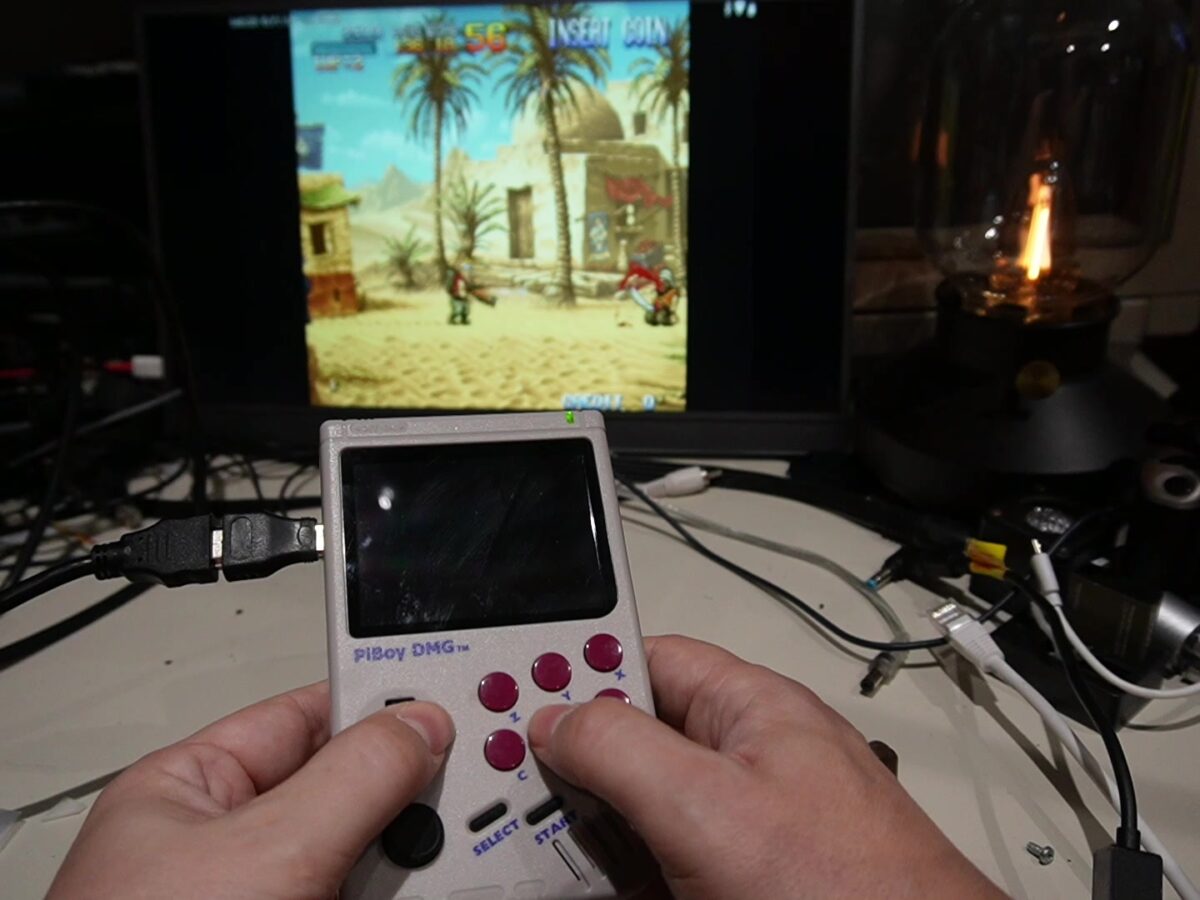
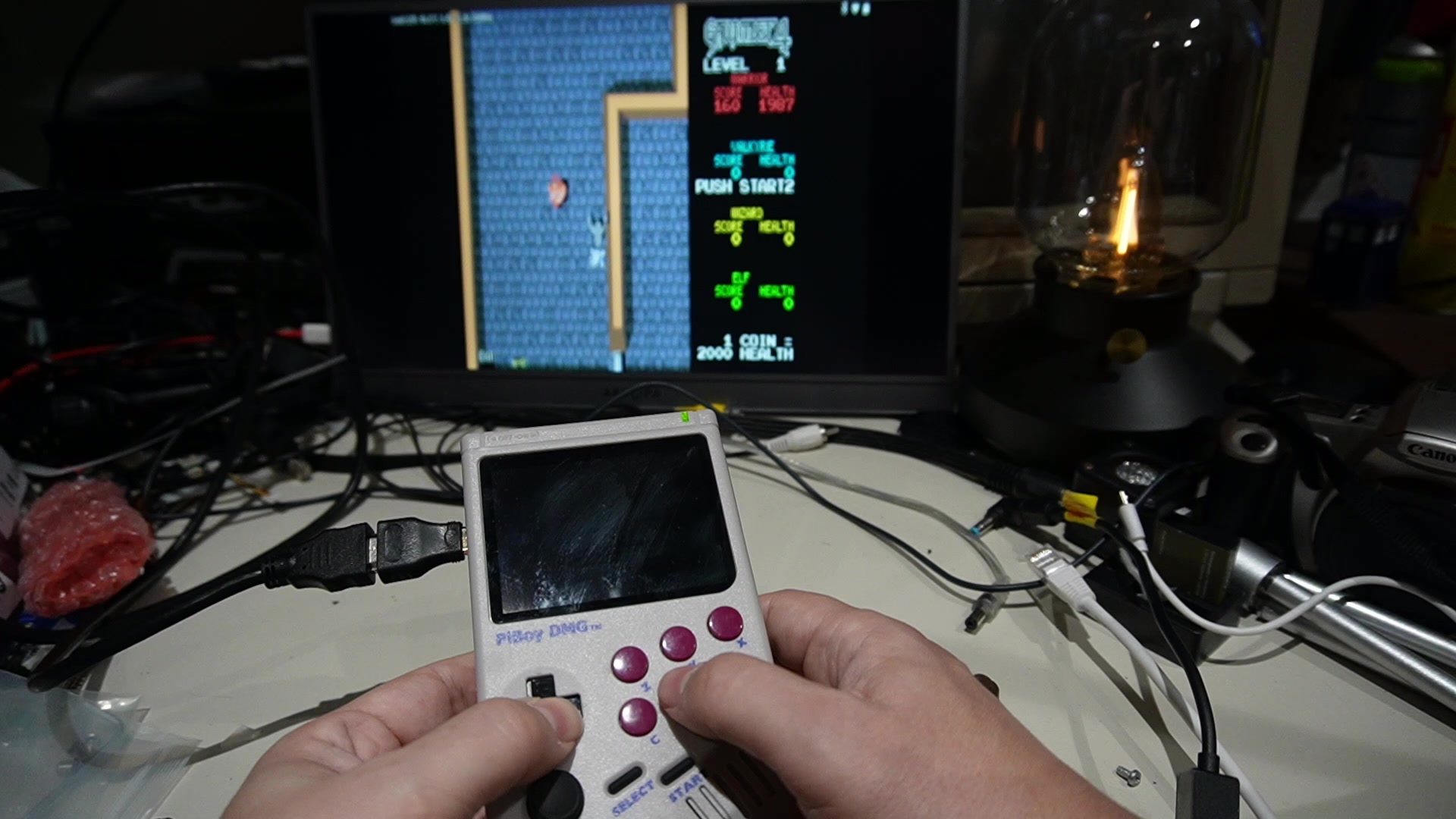
The PiBoy DMG is different. It’s a Game Boy-shaped case with a full Raspberry Pi 4 inside, so it has a real HDMI out.
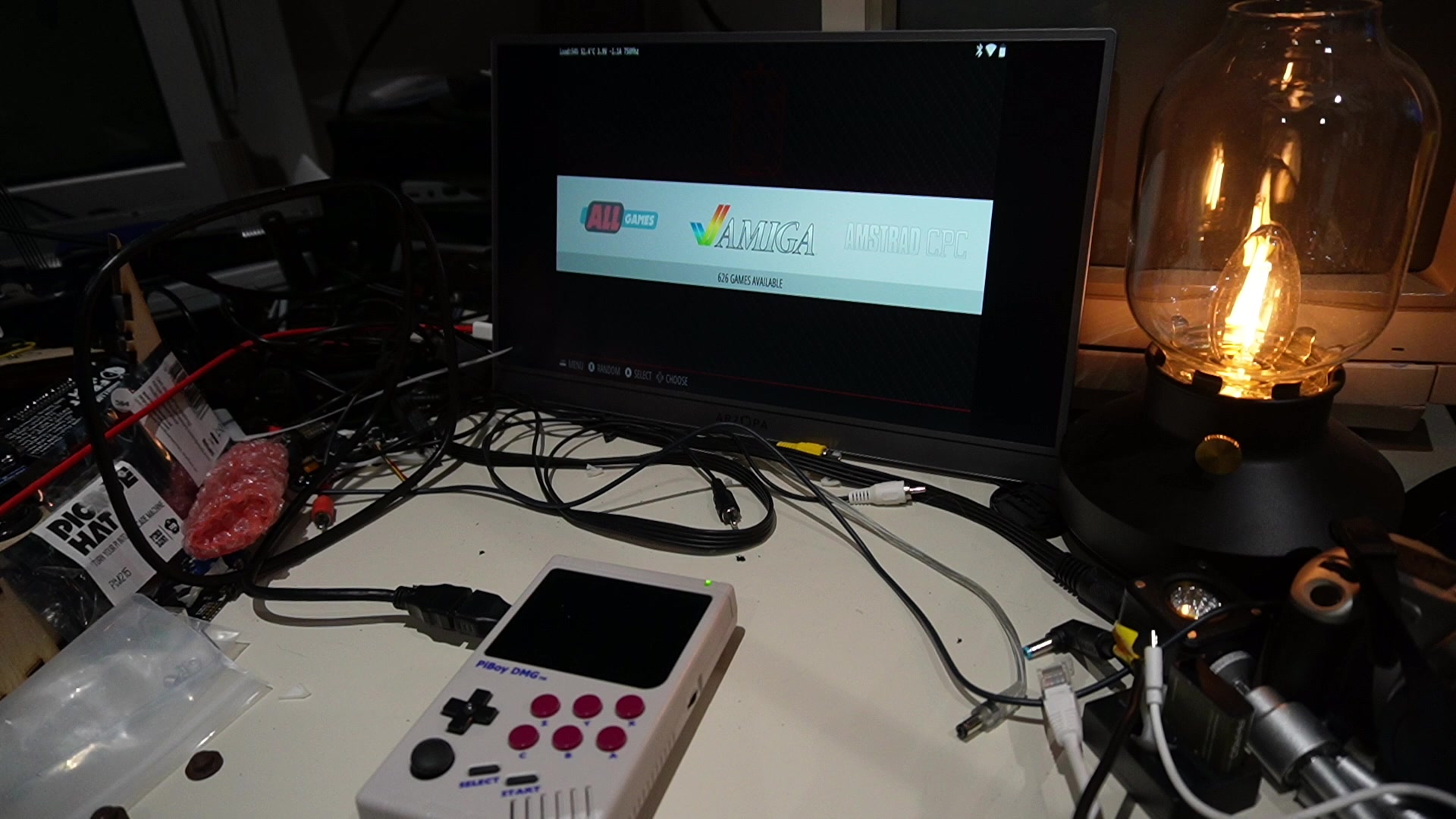
It doesn’t mirror, which is something to be aware of. Plug in the Arzopa and the picture goes there instead, so you’re holding a controller with a blank screen on it.
It only makes that decision when it boots, though. The Arzopa needs to be on and set to HDMI before you power up the PiBoy, otherwise it stays on its own screen. It ran at 1280×720 and 60Hz, which is the mode the PiBoy’s own config asks for.
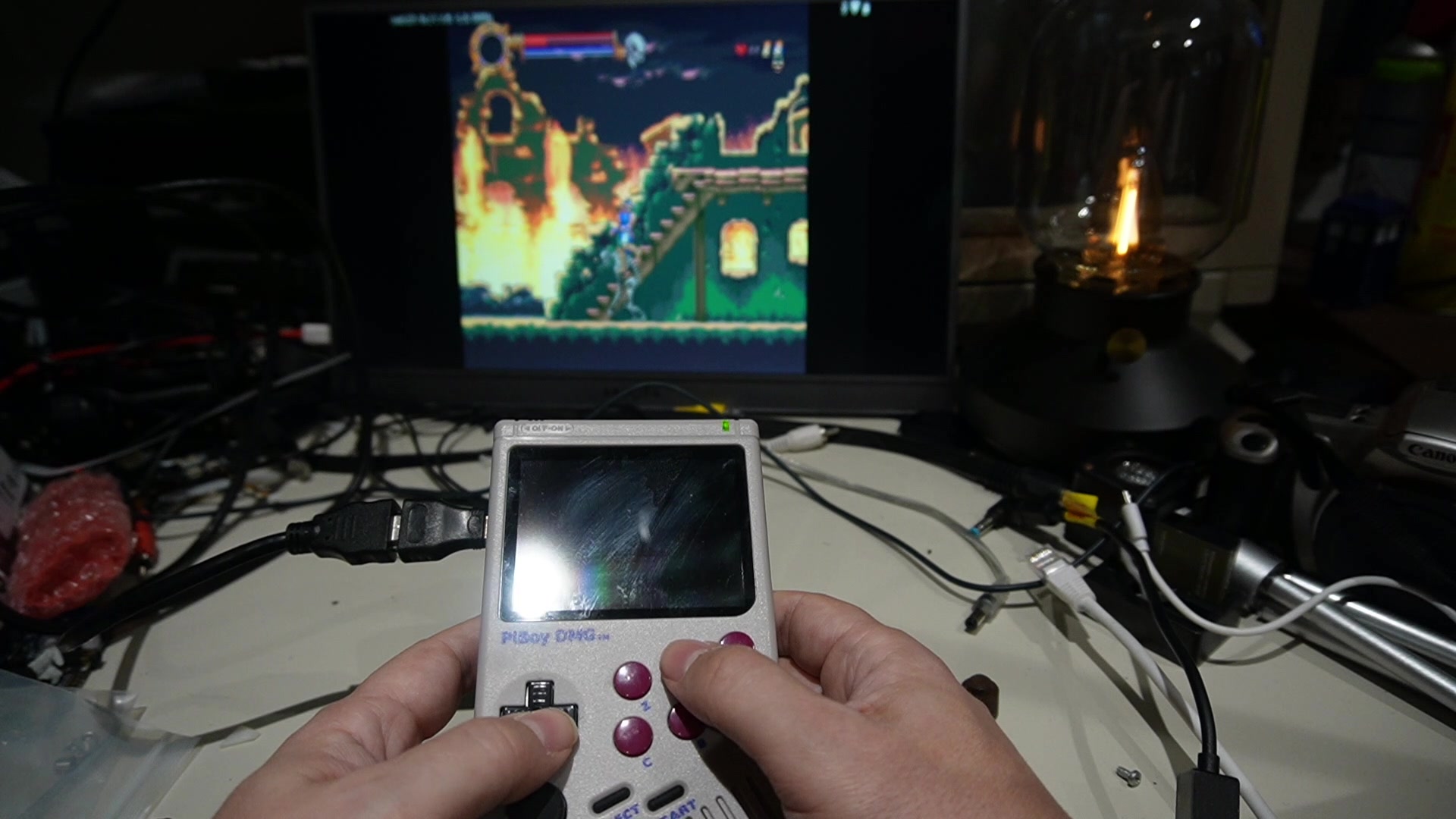
My first attempt gave me nothing at all, and I went down a rabbit hole of config changes before trying the same cable on my Tomlov, which showed nothing either. Dead micro HDMI cable!
With a new one it was fine, so if you get a black screen, swap the cable before you touch anything else.
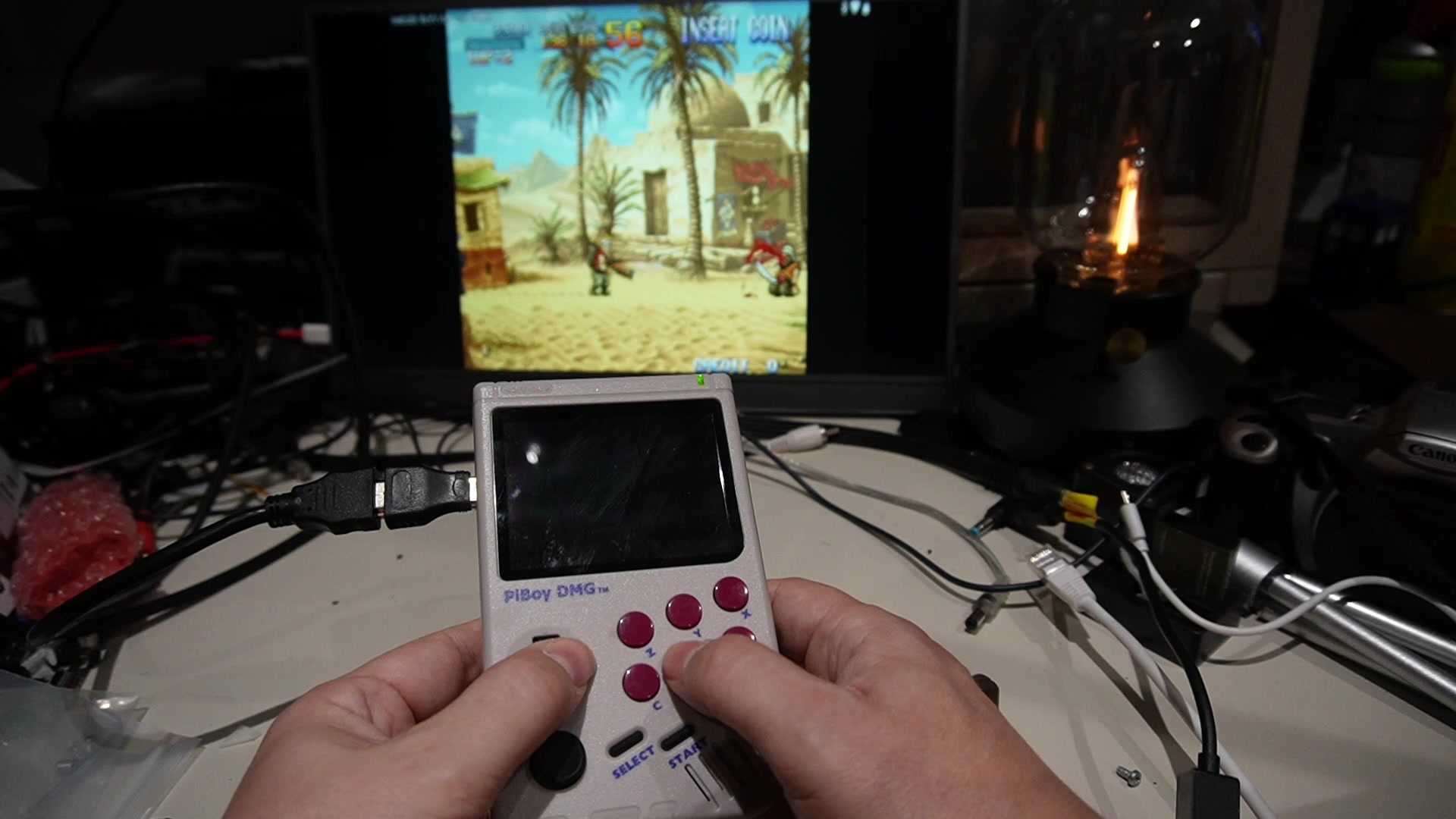
SNES, Mega Drive, and Neo Geo games, all looked good with the usual black bars either side.
Arzopa Z3FC Review for retro gamers conclusion
Everything I plugged in worked. The Next’s off-spec 50Hz HDMI, Pimiga through every resolution change, the C64U in 4:3 and 16:9 at 50 and 60Hz, and the PiBoy (once I’d binned a bad cable).
It’s 16:9, so 4:3 sources get either black bars or a stretch. If correct geometry matters to you, a 4:3 screen is still the better buy, and the CCTV monitor post covers that.
If you want a second screen that is well-specced for work and play, check this guy out. It has all the specs that people care about, it’s portable, and handles everything I threw at it well.
For me, it now sits behind the Next on my desk as the screen everything that shuffles around gets plugged into, while my 2022 Arzopa stays in the laptop bag for work travel.
Arzopa Z3FC Discount
On the global store (UK and EU), code AWZ3FC takes €15 off the Z3FC, and AZPHOT gives 10% off sitewide. In the US store, ARZOPA15 is 15% off.
Arzopa sent me the Z3FC to review, and the button below is an affiliate link, so I may earn a small commission if you buy through it.
 C64 BASIC Dungeon Crawler Finale: Compiling with CrustyBASIC