
I’ve been working on an online CP/M emulator that runs in your browser using JavaScript.
And it works! (mostly)
UPDATE: I have a new and fully working CP/M / Z80 emulator working! Check it out now, read about the new version, or read on about the old version which is still available as a backup.
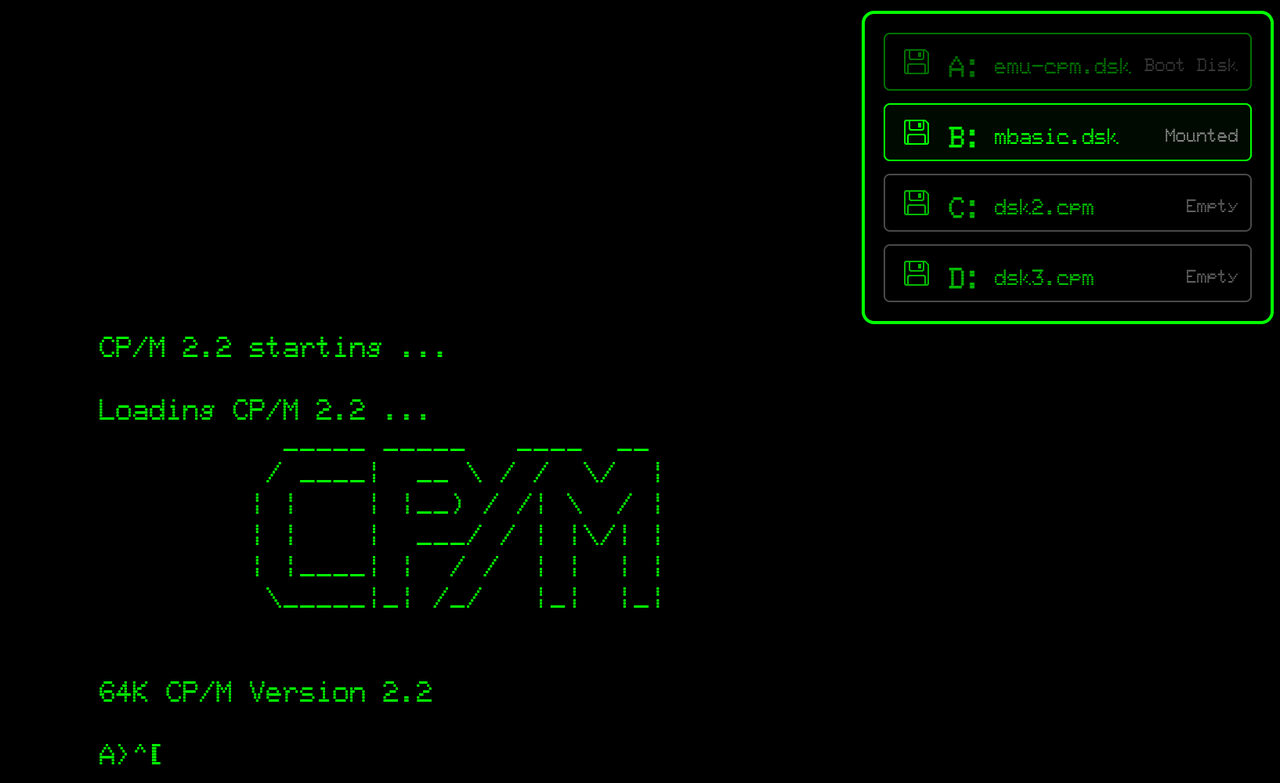

Some Assembly Required
Yeah, I can’t get it to fully work. Don’t expect to be playing Rogue just yet.
I am, as usual, mostly plumbing together other people’s projects and that is tripping me up. This emulator is quite old and the main work I added was enabling it to work in modern web browsers, the original used a web database api that has been long since deprecated.
For some reason when the vt100 emulator outputs it adds spans and divs rather than using a canvas or even character cells.
Not sure why it couldn’t be one big PRE block of text even. In fact, I might go back to that idea, or maybe a HTML table that is a 80×25 grid.
I mean, that is how those terminals worked, just a matrix of cells in 80 columns and 25 rows.
You can, however, switch between different terminals (vt100/ANSI/etc) and I added an option for wrapping and clipping of text beyond the 80th column.
Partly it is my fault, trying to get fancy with the interface rather than fix the more fundamental issues with the z80 and IO issues. Even the LLM plagiarism machine can’t get it working, though, so not sure if I will ever be able to. There is a CP/M running on my Amstrad emulator though!
What Works So Far
Currently you can mount your own disks in B, C, and D drives (A is the boot disk and is not swappable, though I would like to boot of a virtual hard disk some time in the future).
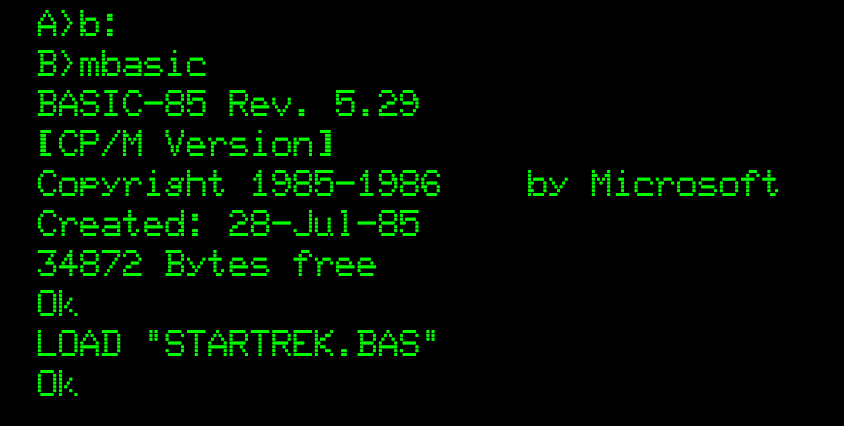
Microsoft BASIC (including a copy of Star Trek.bas) are loaded in drive B: on startup.
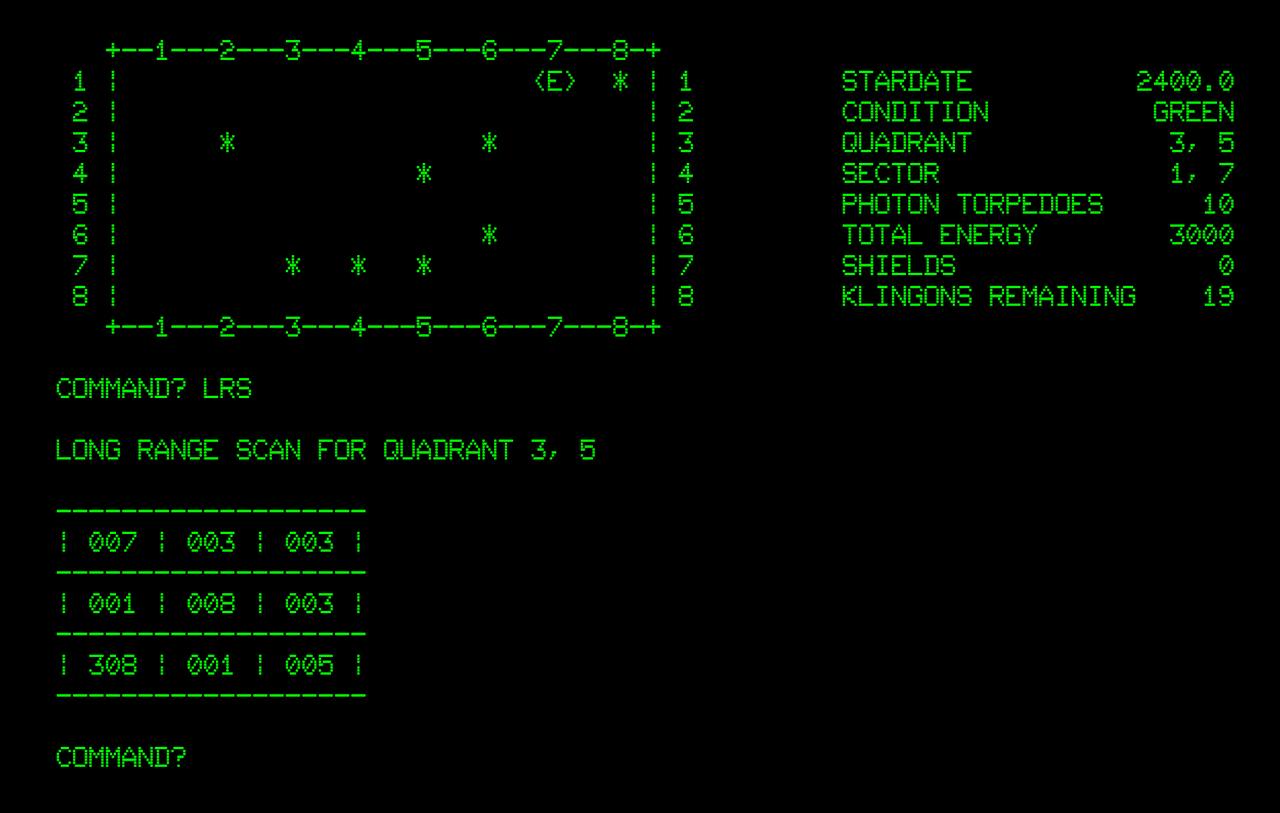
Goals
What I wanted to do was get High-Tech C working on this guy, but, yes, also play Rogue. If anyone can lend a hand, let me know!
Rogue and C work now, plus I included Turbo Pascal too 🥳

 Online Retro Programming IDE: BBC CC65, C64 BASIC and Vic 20 Added!