

Now the C64 Ultimate is arriving in homes around the world there has been a resurgence in interest about getting online, and especially logging onto Bulletin Board Systems (BBS).
What if you don’t have a modem-equipped Commodore 64, just an emulator, or you are wanting to cross-develop your own online-enabled software? You are in luck!
To get this working you are going to need two additional things, but before we get onto those we obviously need the Vice emulator as the headline suggests.

Setup Vice Modem Emulation
Vice is available for Windows, Mac, and Linux and it can emulate all kinds of modems. The specific emulation we want here is “ACIA RS232” and “Swiftlink” because this allows us to reach higher speeds:

Interestingly, while it does allow setup to match the C64 Ultimate, it is less forgiving so doesn’t quite reach the same speeds via basic, but for BBSing that doesn’t really matter!
You need $DE00, NMI and Swiftlink settings enabled, do not enable Userport, and set Serial 3 to 38400 and IP232.
The text to put in is 127.0.0.1:25232, it is the location of your internet service, which we will configure next.

You can now follow the tutorials and edit the code right in your web browser with the Online Retro IDE
– No downloads, configuration, etc necessary, and it is free!
Getting Vice on the Internet with TCPSER
Right now Vice will try to do online stuff but it will fail because it has no route to the internet. We need software that will take place of the modem and do the communication for us.
There are a few variations of the tool we are going to use, and they are all based on the original TCPSER by Jim Brain. While there is a Mac port and a nice GUI of the software, I suggest you grab the Java option which works on basically all major operating systems.
You will need Java 21 or better, which depending on your OS you might already have or can get from the evil Oracle or your free and open alternative.
Grab the .Zip download and expand it. For Windows the folder will contain a .bat file that you can run, otherwise run the .jar directly:
java -jar TCPSerial.jar
The default settings are fine (most relate to incoming calls anyway).
As an aside, if you have a Raspberry Pi or other single board linux computer, TCPSER is an excellent way to get some of your retro hardware online too by using a null modem cable and turning your Pi into an internet-enabled Hayes compatible modem! Let me know if you would like me to cover that in future.
Logging onto a BBS
Now we have our C64 ready to fire up the virtual modem, we need some BBS surfing software.
My personal preference is CCGMS, and if you have the C64u you already have it on the funky cassette tape styled USB memory stick. If not you can get it from the Github Releases.
The key features you need are Swiftlink support and good ANSI/ASCII-PETSCII conversion so that your screen looks pretty rather than garbled flashing nonsense.

Press F7 to configure the modem settings. Press M to select Swift / Turbo DE and then B to set the Baud Rate to 38400.
Now you can edit your phone book using the A menu item. Here you can either dial an unlisted destination or edit an entry with E.
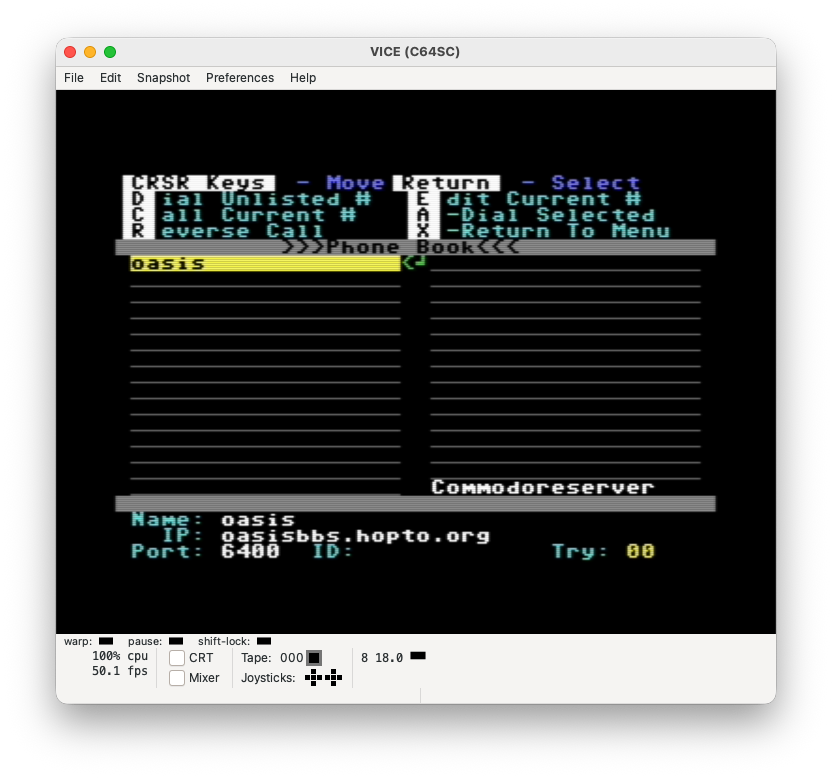
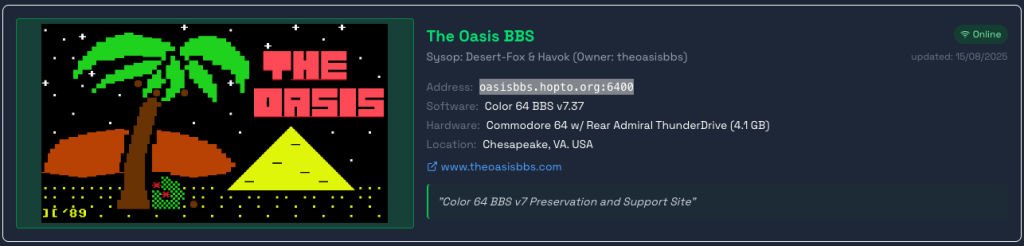
You will need the address and port number of the BBS you are dialing. If you go to commodorebbs.com there is a large database of BBS to try:
If you don’t want to have a phone book you can also type in the terminal as soon as your modem settings are configured, eg:
atdt oasisbbs.hopto.org:6400
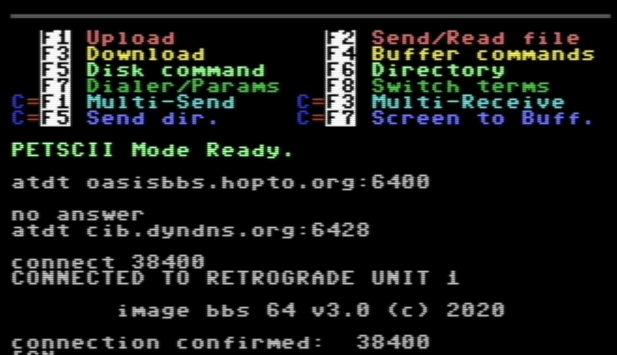
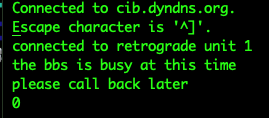
As these BBS are almost always hobbyist-administered by volunteer operators (“Sysop”), don’t expect enterprise-level uptime! You might need to try a few before you get one that is both online and has spare capacity.
Many BBS expect you to create an account before you can do anything meaningful. Remember your handle and password because most do not have “password recovery” features.
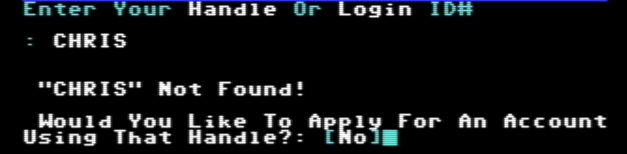
Once you are logged in you will be able to see the messages, news updates, downloads, chat, games etc that are available.
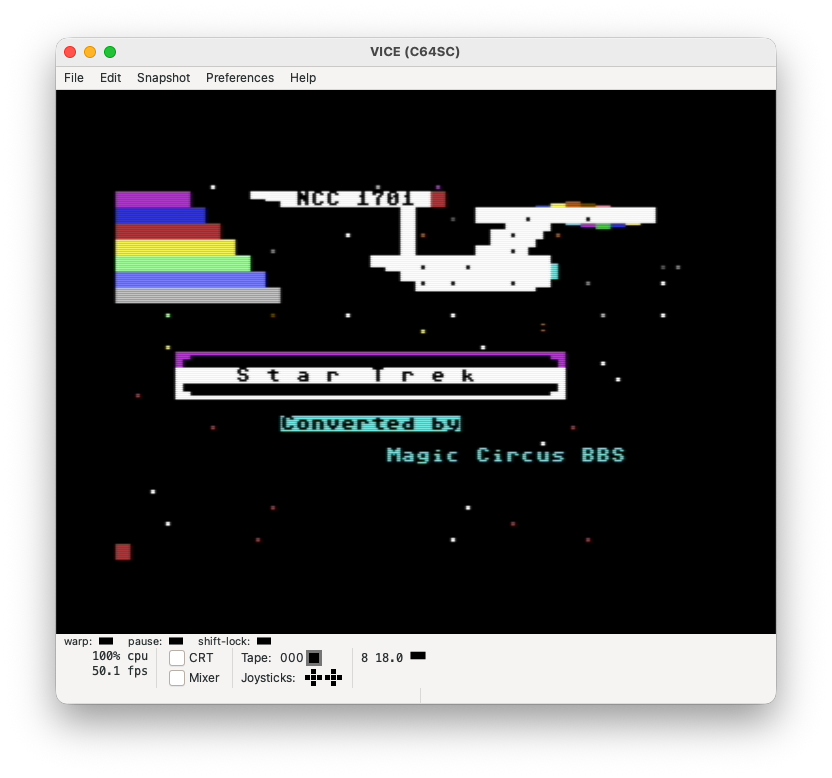
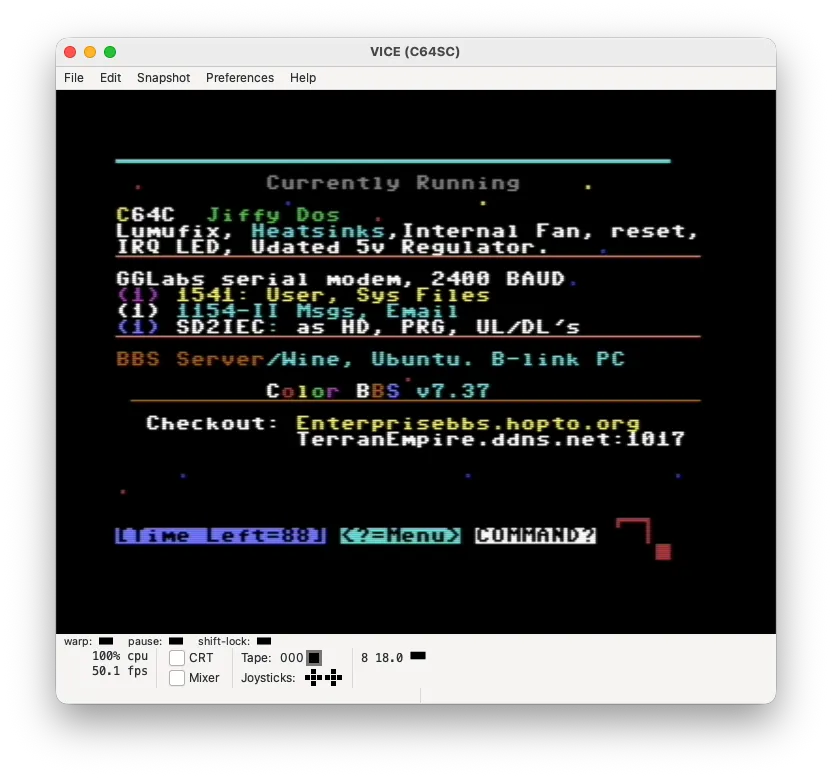
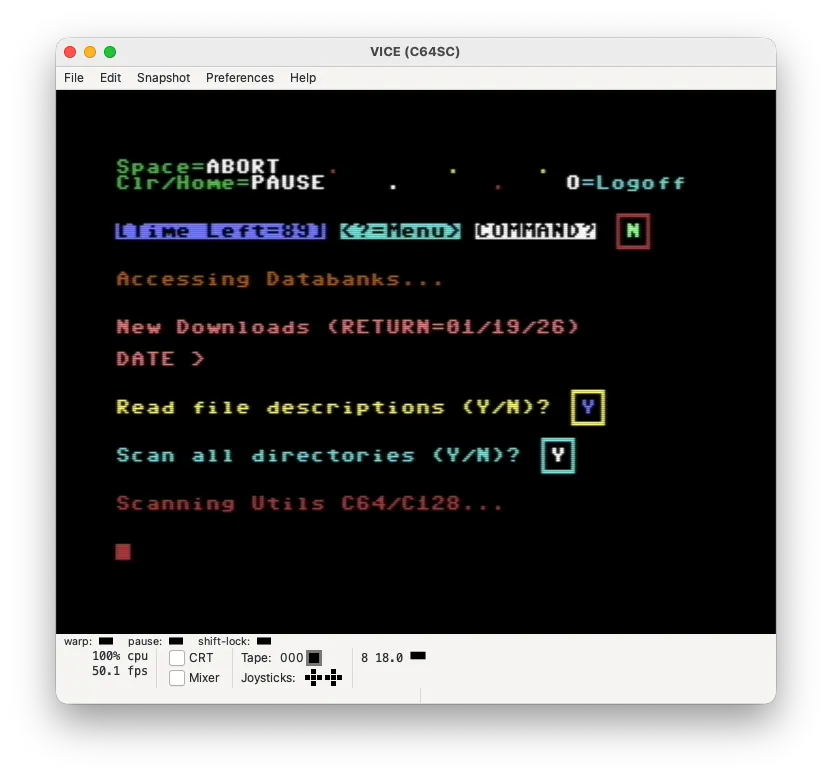
If you want to hang up and there is no “log out” option, you can command the modem to disconnect by entering +++ (you might need to enter each + with a small pause) followed by entering the command ath.
What Next?
Of course this being Retro Game Coders, I am sure you can guess what comes next!
It’s one thing to interact with other peoples software and services, but that is only half the fun. In the next part we will look at how to code our own service and client …
 Learning Retro Computer Electronics Fault Finding and Restoration