
If you have been following my series about writing text adventure games in C64 BASIC you will see I stalled a little bit. I’ve got to the point where the game should have more than demo data, and for me that is the toughest part.
So I wrote a map editor!
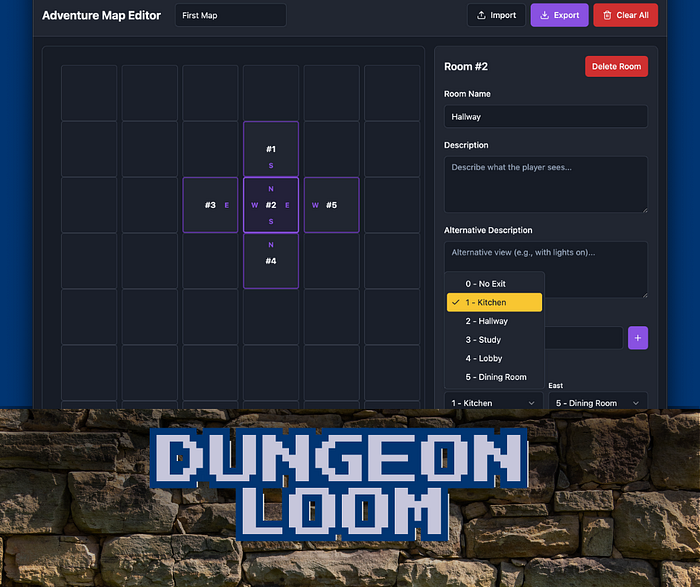
TL;DR You can take a look at dungeon-loom.retrogamecoders.com

Before Times
I tried! Nothing helped. Scraps of paper, written notes, even a spreadsheet.
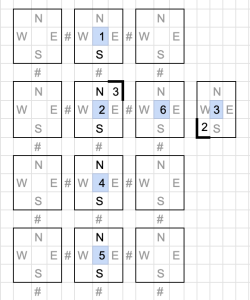
The problem, I think, was the usual ADHD stuff, but also trying to mix the creative with the analytical.
In writing we say “Write Drunk, Edit Sober”. It’s hard to switch from essentially writing a story with puzzles while also doing math and logic.
So I started writing a tool for my own use and it kind of got out of hand.

You can now follow the tutorials and edit the code right in your web browser with the Online Retro IDE
– No downloads, configuration, etc necessary, and it is free!
Introducing Dungeon Loom
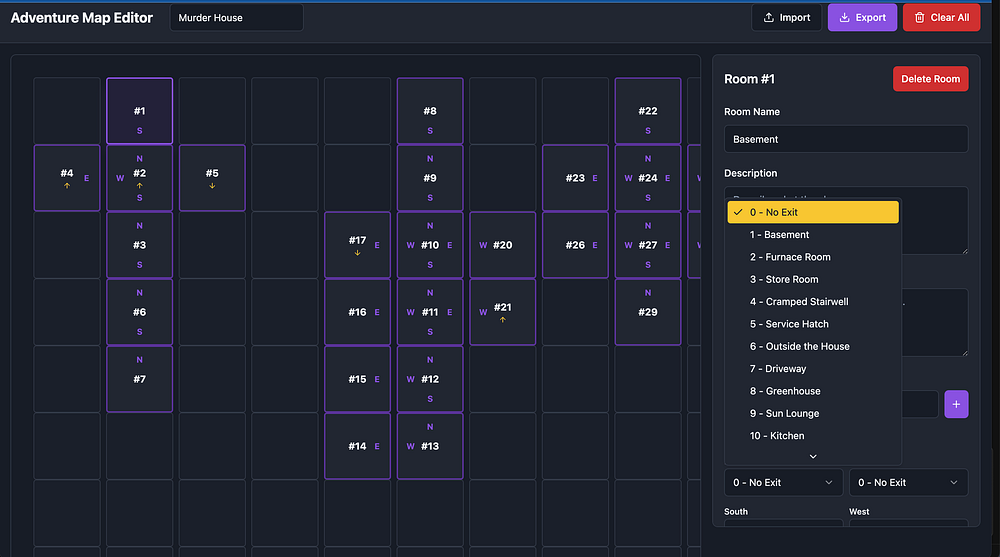
It’s a JavaScript web app based around a fixed grid of locations/rooms where you can specify the connections (doors/exits) between them. This was the most important part for me, but then I realised I could make it even more useful by placing objects and setting descriptions …
Right now you can:
- Place rooms
- Define the exits for each room
- Add the room name
- Set description(s)
- Add any objects a room might contain.
- Nested objects (eg. a map is found in a box)
- Triggers/actions
- Set a winning condition (see below).
You will notice I said descriptions, that is because there might be a before and after, for example the description for light on and in darkness.
Placing a room adjacent to an existing room should automagically add the appropriate connection, but you can remove them if needed too.
For the Win?
For my text adventure I have two goals. The first is essentially a training mission, and that is to get out of the house. To “win” the whole game though I want the player to discover the identity of the villain of the piece, the person who puts the murderer in murder house.
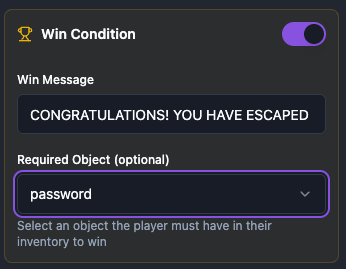
I am still not quite sure how exactly to pull that off in terms of game logic, other than have the player have to pick up all the clues. It did make me realise, though, a winning condition could be more than just getting to a room, so I added an optional “and must have this object” setting.
What Next
The app exports and imports .JSON (JavaScript Object Notation) files only currently. I post-process that JSON to create a file to use with my adventure. Once that is polished I will share that too.
For now I am hopefully going to finish at least a version of the game, and complete that series!
In future I might come back to the core features, or perhaps instead write more post-processors. We shall see … that is a problem for future-Chris.
Anyway, try it out and let me know what you think?
 Replacing Parts of Strings in C64 BASIC